
Follow Me On Social Media!



I’ve built quite a few WordPress websites over the years, and one thing I noticed early is that good content alone isn’t always enough. Sometimes people read your article, enjoy it, and then leave without sharing it. That’s when I realized how important social sharing buttons actually are.
Think about it: if someone finds your article helpful, why not make it easy for them to share it with their friends on Facebook, X (Twitter), LinkedIn, or even Pinterest? A simple share button can turn one visitor into ten new readers.
The problem is that WordPress doesn’t include social sharing features by default. If you want visitors to share your posts easily, you need a plugin that adds those buttons to your website.
But once you start searching, you’ll quickly notice there are dozens of social share plugins available. Some look great but slow down your website. Others are fast but lack customization. A few offer advanced features like analytics, automation, or marketing tools.
So instead of testing dozens of plugins yourself, I decided to gather some of the most reliable options in one guide. These plugins are widely used by bloggers, businesses, and content creators who want to make their content easier to share.
In this article, we’ll look at some of the best WordPress social share plugins, compare their features, pricing, and performance, and help you choose the one that fits your website best.
Table of Contents
Quick Comparison Table
| Plugin | Best For | Free Version | Starting Price | Key Feature |
|---|---|---|---|---|
| WPZOOM Social Icons | Bloggers | Yes | $59/year | Block editor integration |
| Novashare | Performance | No | $19.95/year | Ultra-lightweight code |
| AddToAny | Maximum networks | Yes | Free | 100+ sharing services |
| Sassy Social Share | Customization | Yes | Free | Highly customizable icons |
| Hubbub | Pinterest traffic | Yes | Varies | Pinterest optimization |
| Monarch | Divi users | No | $89/year | Pop-ups and fly-ins |
| Social Snap | Marketing automation | Yes | $27.30/year | Auto-posting features |
Plugins vary widely in terms of features, customization options, and performance impact. Some focus on speed with minimal JavaScript, while others include analytics and marketing tools.
1. WPZOOM Social Icons & Share Buttons
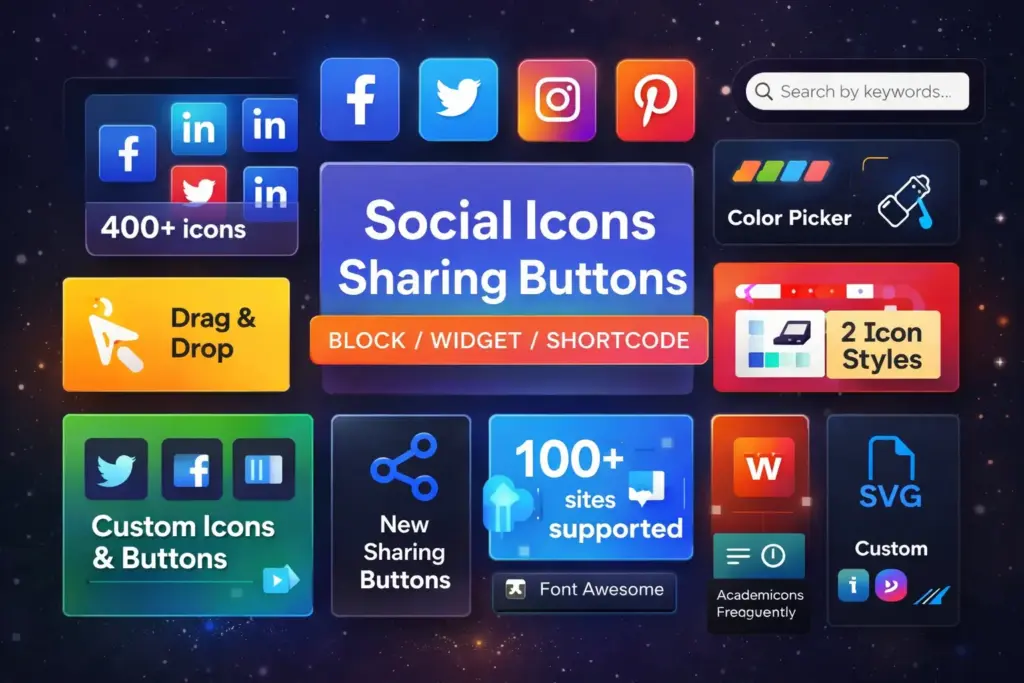
WPZOOM Social Icons & Share Buttons is a lightweight plugin designed for bloggers who want an easy way to display social media links and share buttons.
The plugin integrates smoothly with the WordPress block editor, allowing you to place social icons anywhere in your content using blocks or widgets.
Key Features
- 20+ social networks supported
- Gutenberg block integration
- Customizable icon styles
- Inline SVG icons for faster loading
- Mobile responsive design
The plugin uses SVG icons instead of external scripts, which helps improve website performance and reduces unnecessary requests.
Example Shortcode
[social_icons]
You can place this shortcode anywhere in a post or page to display your configured social icons.
Pricing
| Version | Price |
|---|---|
| Free | $0 |
| Pro Version | From $59/year |
Best Use Case
This plugin is ideal for bloggers and content creators who want simple social sharing without complex configuration.
2. Novashare : The Performance-First Option
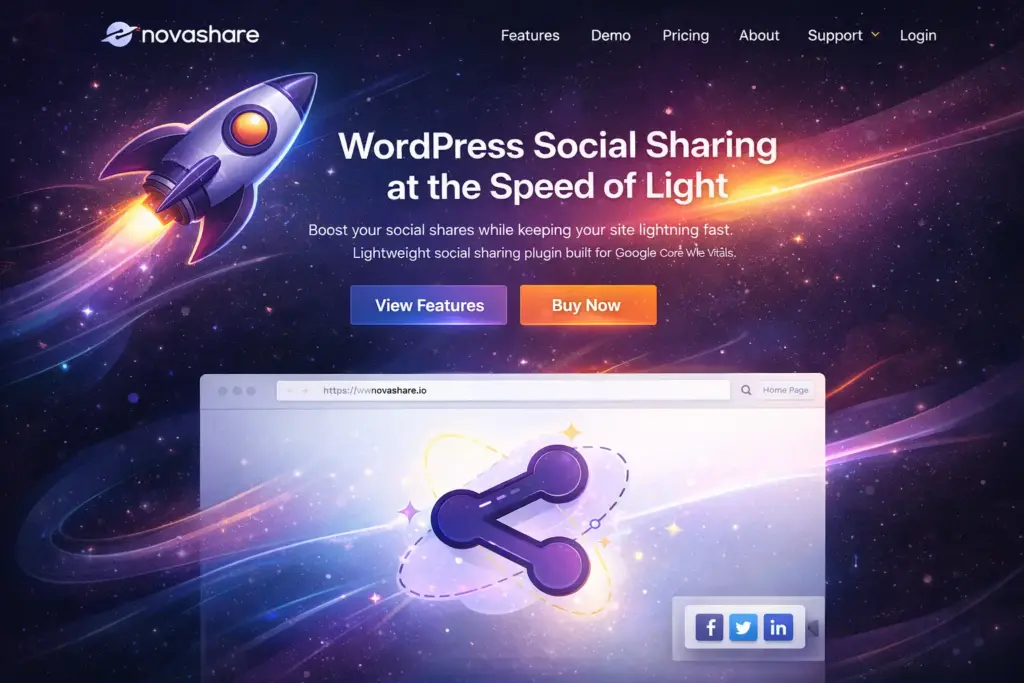
Novashare is a premium social sharing plugin developed with performance optimization in mind.
Many social plugins slow down websites by loading heavy scripts. Novashare avoids this by using extremely lightweight code — only a few kilobytes of JavaScript.
Key Features
- Minimal script size (~3 KB)
- Fast loading share buttons
- Share count recovery
- Pinterest image sharing
- Click-to-Tweet functionality
Novashare integrates well with modern performance tools such as caching systems and content delivery networks.
Example Share URL
https://twitter.com/intent/tweet?url=https://yourwebsite.com&text=Great+article
This link generates a share dialog for X (Twitter).
Pricing
| Plan | Price |
|---|---|
| Personal | $19.95/year |
| Business | $39.95/year |
| Agency | $79.95/year |
Best Use Case
Websites that prioritize site speed and Core Web Vitals performance.
3. AddToAny : Maximum Platform Coverage, Zero Cost
AddToAny is one of the most widely used free social sharing plugins available for WordPress.
Its biggest advantage is the number of supported platforms — more than 100 social networks and sharing services. (WPlook Themes)

Key Features
- Floating share buttons
- Inline share buttons
- Google Analytics integration
- Mobile responsive design
- Custom icon support
Example Shortcode
[addtoany]
This shortcode inserts sharing buttons directly into your content.
Supported Platforms
AddToAny supports platforms such as:
- Telegram
Pricing
| Plan | Cost |
|---|---|
| Free | $0 |
| Premium | Not required |
Best Use Case
Websites that need maximum platform compatibility without paying for premium tools.
4. Sassy Social Share : Customization Without Premium Costs
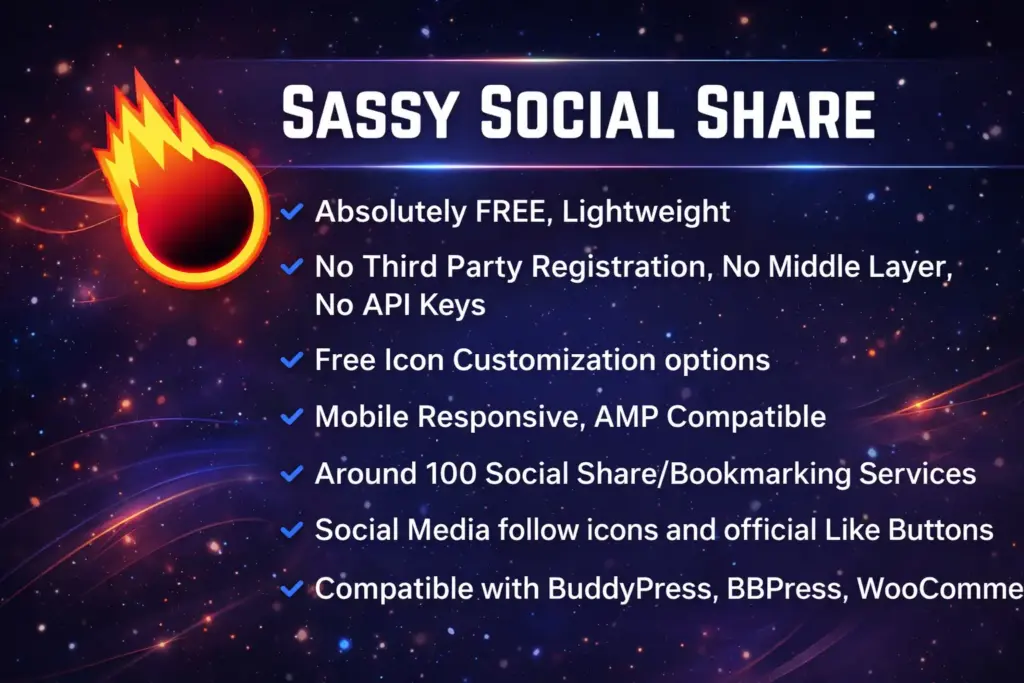
Sassy Social Share is a powerful free plugin known for its extensive customization options.
It supports more than 100 sharing services and allows site owners to control button styles, colors, shapes, and placement. (TechRadar)
Key Features
- Floating share bars
- Custom icon shapes
- AMP support
- Mobile optimized design
- URL shortening support
Display Locations
Share buttons can appear in multiple areas:
- Above content
- Below content
- Floating sidebar
- Sticky mobile bar
Pricing
| Version | Price |
|---|---|
| Free | $0 |
Best Use Case
Websites that want complete visual control over their share buttons.
5. Hubbub : The Pinterest and Audience Growth Specialist
Hubbub focuses specifically on social engagement and audience growth.
Unlike basic sharing plugins, Hubbub includes features designed to increase traffic from visual discovery platforms like Pinterest.
Key Features
- Pinterest optimized sharing
- Hidden Pinterest images
- Email capture tools
- Social engagement tracking
Example Pinterest Share
https://pinterest.com/pin/create/button/?url=example.com&media=image.jpg
This URL allows users to share a specific image from your site.
Pricing
| Plan | Price |
|---|---|
| Free | $0 |
| Pro | Pricing varies |
Best Use Case
Content-heavy websites such as:
- Food blogs
- Travel blogs
- DIY tutorials
- Lifestyle websites
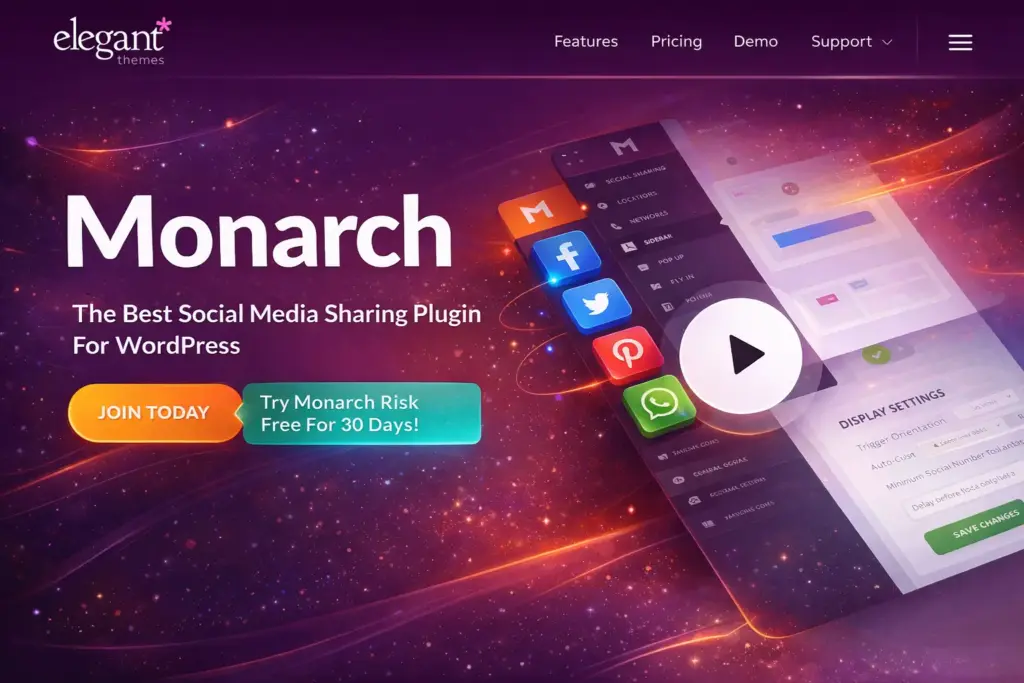
6. Monarch : Built for the Divi Ecosystem
Monarch is a premium plugin developed by Elegant Themes, the creators of the popular Divi theme.
The plugin integrates tightly with Divi’s design system and offers several unique display options.
Key Features
- Pop-up share buttons
- Floating sidebar sharing
- Fly-in share boxes
- Inline image sharing
- Social follow widgets
Display Triggers
Buttons can appear when:
- A user scrolls the page
- A user finishes reading a post
- A visitor leaves a comment
Pricing
| Plan | Price |
|---|---|
| Elegant Themes Membership | $89/year |
| Lifetime Access | $249 |
Best Use Case
Websites already using the Divi theme or Elegant Themes ecosystem.
7. Social Snap : Sharing Plus Marketing Automation
Social Snap is one of the most feature-rich social sharing plugins available.
Beyond simple share buttons, it includes tools for social automation and marketing integration.
Key Features
- Social sharing buttons
- Click-to-Tweet boxes
- Social login integration
- Content locker tools
- Auto-posting to social media
Example Click-To-Tweet
[tweet "WordPress makes website building easier than ever."]
This allows readers to share quotes instantly.
Pricing
| Plan | Price |
|---|---|
| Free | $0 |
| Pro | $27.30/year |
Best Use Case
Websites that want social sharing combined with marketing tools.
Frequently Asked Questions
Do social sharing buttons help SEO?
Social sharing itself does not directly increase rankings, but it can increase visibility and attract backlinks, which indirectly helps SEO.
Do social plugins slow down websites?
Some plugins can slow down websites if they load heavy scripts. Lightweight plugins such as Novashare are designed to avoid this problem.
Which social networks should I include?
Most websites benefit from including:
- X (Twitter)
Choosing too many networks can sometimes overwhelm users.
Ready to Add Social Sharing to Your WordPress Site?
Adding social sharing buttons is a simple step that can significantly increase your website’s reach. When readers enjoy your content, making it easy for them to share it helps your site reach new audiences and grow organically.
Start with a plugin that matches your priorities — whether that’s speed, customization, or marketing automation.
Once sharing is simple for your visitors, your content has a much better chance of spreading across the web.