Follow Me On Social Media!



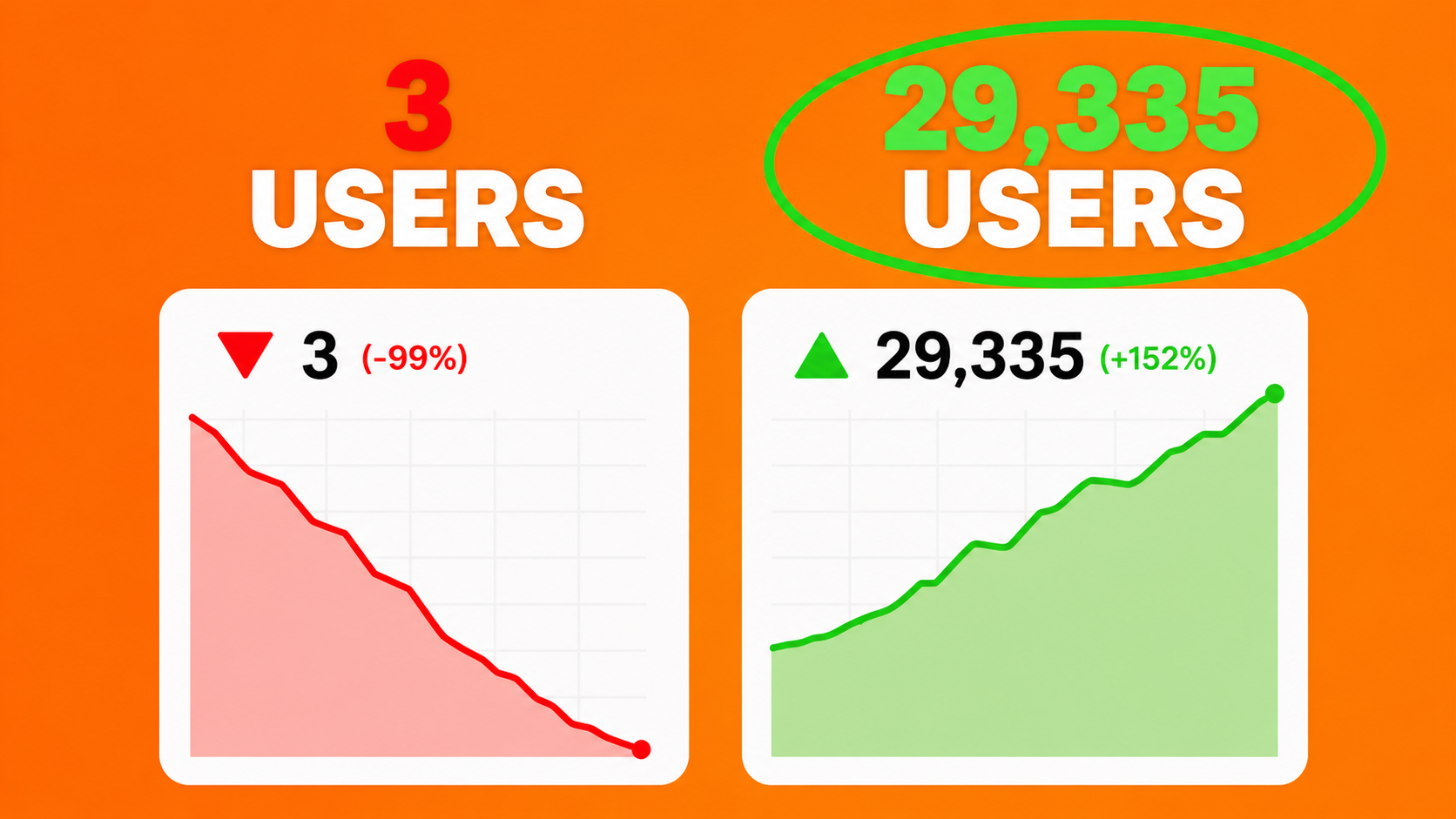
So you built your WordPress site, hit publish on a bunch of posts, and then… nothing. Not even your mum visited (okay, maybe your mum visited). If you’ve been staring at a flatline in Google Analytics for six months, I promise — you’re not cursed. You’re just making some very fixable mistakes.
Table of Contents
Okay, Real Talk: Why Does Your WordPress Site Have Zero Traffic?
Look, I’m not going to tell you that SEO is easy or that traffic just “comes with time.” That’s the kind of advice that sounds nice but leaves you waiting another six months for nothing.
Here’s the actual truth: if your WordPress site has no traffic after 6 months, something specific is going wrong. Maybe a few things. And the sneaky part? None of these mistakes come with a warning. Google isn’t going to slide into your inbox with a “hey, just so you know, your site is completely invisible” email. These errors just quietly pile up in the background while your competitors — some of whom write way worse content than you — keep climbing up the search results.
QAnnoying? Absolutely. Fixable? One hundred percent.
So grab a coffee (or something stronger, I don’t judge), because we’re about to go through every single thing that’s probably killing your traffic — and exactly how to turn it around.
Mistake 1: You’re Swinging for Keywords Way Out of Your League
Alright, this one hurts a little — but it’s the most common reason brand-new WordPress sites get absolutely no love from Google.
Here’s the scenario: you launch your site and immediately try to rank for “best running shoes” or “how to make money online.” Bold move. Except… those keywords are dominated by sites that have been publishing since before you had a smartphone. We’re talking thousands of backlinks, years of authority, and full-time SEO teams. Trying to outrank them as a new site is like showing up to the Olympics because you jog on weekends.
What actually works instead:
Go after long-tail keywords — the specific, low-competition phrases that bigger sites ignore because the search volume feels “too small.” Something like “best trail running shoes for wide feet under $100” might only pull 200 searches a month. But here’s the thing — you can actually rank for that. And 200 real visitors beats zero famous visitors every single time.
Before writing anything, check the Keyword Difficulty (KD) score using free tools like Google Search Console, Ubersuggest, or the free version of Ahrefs. If you’re just starting out, stick to keywords with a KD under 30. Win the small battles first, build some authority, then go after the bigger terms.
Do this today: Look back at your last 10 posts. If every single keyword has a KD above 50, you’ve been writing for an audience that Google will never send your way. Time to rethink.
Mistake 2: Your Site Has Technical SEO Gremlins Hiding in the Background
You could write the most genuinely brilliant piece of content the internet has ever seen. If Google’s crawlers can’t actually find and index your pages? That content might as well not exist. Technical SEO issues are probably the sneakiest reason WordPress sites stay stuck with no traffic — because everything looks fine on the surface.
Here are the classic culprits:
You accidentally told Google to stay away. No, seriously. WordPress has a setting called “Discourage search engines from indexing this site” that’s super useful during development — and absolutely catastrophic if you forget to turn it off at launch. Go to Settings → Reading right now and make sure that checkbox is unchecked. I’ll wait.
You don’t have an XML sitemap. Think of your sitemap as a treasure map for search engines. Without it, Google has to wander around your site hoping to stumble onto your pages. Plugins like Yoast SEO or Rank Math create and submit one automatically — just install, configure, done.
Broken links and 404 errors are eating your crawl budget. Deleted a page without setting up a redirect? That’s a dead end for Google’s crawler. Use Google Search Console’s Coverage report to spot and fix these regularly.
Your URLs look like gibberish. If your links look like yoursite.com/?p=123, Google has no idea what your page is about. Go to Settings → Permalinks and switch to the Post Name structure. It takes about 30 seconds and it matters more than you’d think.
Mistake 3: Your Content Is Basically Just… Filler
Here’s something nobody wants to hear but everyone needs to: pumping out 50 short, shallow, keyword-stuffed posts is not a content strategy. It’s a recipe for getting completely ignored by Google — and honestly, by readers too.
In 2025, Google’s algorithm is genuinely good at sniffing out thin content. If your posts don’t actually help anyone, they’re going to get buried. Simple as that.
The magic phrase you need to tattoo on your brain is search intent — meaning, what does someone actually want when they type that keyword into Google?
- If they want to learn something → give them a proper, in-depth guide. Not 400 words. A real guide.
- If they want to buy something → give them honest comparisons and reviews with actual opinions.
- If they’re looking for a specific site → make sure your branding is crystal clear.
If the top 10 results for your target keyword are all 2,500-word deep-dives and you published a 600-word overview… Google’s algorithm is not going to make an exception for you, my friend. Match what’s already ranking. Then try to make it better.
One more thing — and this is the slightly nerdy part — Google doesn’t just look for your exact keyword anymore. It looks for related terms and concepts that prove you actually know your stuff. If you’re writing about WordPress SEO, naturally dropping in phrases like crawl budget, domain authority, organic search visibility, on-page optimization, and search engine indexing isn’t keyword stuffing. It’s just sounding like a person who knows what they’re talking about. Which, after reading this, you will.
Mistake 4: You’re Skipping the Boring (But Crucial) On-Page Basics
On-page SEO isn’t glamorous. It’s not the kind of thing you brag about at parties. But skipping it is quietly costing you rankings on literally every post you publish.
Here’s the quick checklist you should run through every single time:
Your title tag needs your keyword — and needs to actually make people want to click. Keep it under 60 characters so it doesn’t get cut off in search results. Throw in a power word or two (“secretly,” “proven,” “actually,” “dead simple”) and suddenly it’s something people want to click on instead of scroll past.
Write a meta description like it’s ad copy. Because it is. It doesn’t directly boost your rankings, but a great meta description improves your click-through rate — which tells Google your result is worth showing more often. Don’t leave it blank and let Google write one for you. Google’s version is almost always terrible.
Use headers properly. One H1 per page. Logical H2s for each main section. Sprinkle in natural keyword variations — don’t stuff them in awkwardly, but don’t pretend they don’t exist either.
Add alt text to every image. It helps visually impaired readers, it tells Google what the image is, and it can get you traffic from Google Image Search. Takes 10 seconds per image. No excuses.
Link to your own stuff. Every new post should have 2–3 links pointing to other relevant pages on your site. This keeps readers exploring, helps Google understand your site structure, and spreads around that precious link equity.
Mistake 5: Your Site Is So Slow It Physically Hurts
Right, let’s talk about speed — because this one genuinely shocks people when they find out how much it matters.
A slow WordPress site isn’t just annoying for visitors. It’s a confirmed Google ranking factor. And since Core Web Vitals became part of the algorithm, a sluggish site actively gets pushed down in search results. Not just ignored — penalized.
The usual suspects on slow WordPress sites:
- Unoptimized images — massive photo files uploaded straight from your camera. Compress them first with TinyPNG or Smush.
- Too many plugins — every plugin adds code the browser has to load. Audit your plugins and delete anything you’re not actively using.
- Budget hosting — I know it’s tempting to go with the £2/month plan. But terrible hosting means terrible speed, which means terrible rankings.
- No caching plugin — WP Rocket or W3 Total Cache can genuinely transform your load times.
- No CDN — Cloudflare is free and brilliant. It serves your site from servers near each visitor instead of from one central location.
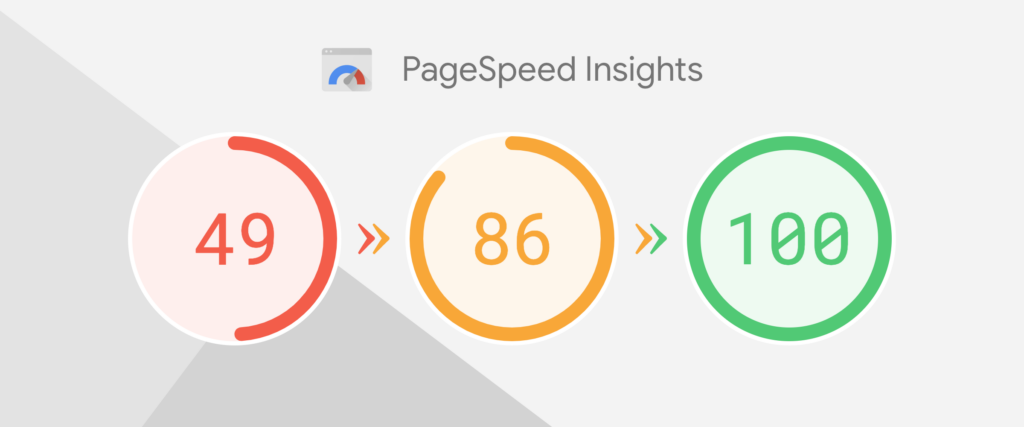
Head over to Google PageSpeed Insights right now and test your site. Under 50 on mobile? That’s a problem. Over 90? You’re golden.
And here’s the stat that should make you sit up straight: over 64% of all web traffic comes from mobile devices. If your site loads slowly on a phone, Google doesn’t care how good your content is. You’re getting bumped.
Mistake 6: You Published Great Stuff and Then Just… Waited
Here’s the painful truth that most blogging guides cheerfully skip over: publishing content is not a promotion strategy.
Google uses backlinks — other websites linking to yours — as votes of confidence. A brand-new site with zero backlinks has basically zero authority. And zero authority means you’re competing with your hands tied behind your back. This is why “WordPress no traffic after 6 months” is such a common search. People wrote. They just didn’t build.
So how do you actually get backlinks without begging or buying them (please don’t buy them)?
- Guest posting — Write a genuinely useful article for an established blog in your niche. They get free content, you get a link. Everyone wins.
- HARO (Help a Reporter Out) — Journalists post questions looking for expert sources. Answer them well and you can land backlinks from major media sites.
- The skyscraper technique — Find something popular in your niche, make a noticeably better version of it, then reach out to sites that linked to the original. “Hey, I made an updated version of that article you linked to back in 2021…” It works more often than you’d expect.
- Resource page outreach — Google “[your niche] + useful resources” and you’ll find pages that curate helpful links. Pitch your best content for inclusion.
One solid backlink from a legit, relevant site does more for your rankings than 200 spammy directory listings. Quality every time, not quantity.
Mistake 7: You “Did SEO” Once and Never Looked at It Again
If there’s one mindset shift that will change everything for your WordPress site, it’s this: SEO is not something you do once and tick off the list.
Google updates its algorithm hundreds of times a year. Competitors are constantly publishing and optimizing. What worked 12 months ago might actually hurt you today. If you set up your site, optimized a few posts, and then left it alone for six months — you’ve been losing ground every single day without knowing it.
What actually maintaining your SEO looks like in practice:
- Monthly SEO audits — Pop into Google Search Console and check for crawl errors, coverage issues, or anything that looks off.
- Quarterly content refreshes — Go back to older posts and update them. Add new stats, improve the structure, add sections that answer questions you missed. This “content freshness” signal is genuinely important.
- Track your keyword rankings — Know which keywords you’re winning and which ones are slipping. Google Search Console is free and gives you this data.
- Spy on your competitors (ethically) — What are they publishing? What keywords are they ranking for that you’re not? Tools like Semrush or even just a good look at their blog can tell you a lot.
Think of your WordPress site like a garden. You can’t plant it and walk away. It needs regular attention or the weeds take over and everything dies. Dramatic? Maybe. True? Absolutely.
So Where Do You Actually Start? Here’s Your Game Plan
If you’re sitting there thinking “okay but where do I even begin,” here’s the honest priority order:
- Sort the technical stuff first. Check that Google can index your site, fix any crawl errors, and submit your sitemap. Nothing else you do matters if Google can’t get in the door.
- Fix your keyword strategy. Be ruthlessly honest. If every post is targeting keywords you have no realistic chance of ranking for, pivot to long-tail alternatives and start building wins.
- Go back and improve your best 5 posts. Don’t just keep publishing new stuff. Expand your existing posts to genuinely beat the competition in depth and usefulness.
- Speed up your site. Install a caching plugin, compress your images, and run a PageSpeed test. Aim for 80+ on mobile.
- Get your first real backlinks. Find three guest posting opportunities this month. Pitch them. One good backlink can unlock rankings that months of content writing alone never could.
- Build a monthly review habit. Block two hours a month in your calendar for an SEO check-in. Review analytics, check rankings, update content, look for new opportunities.
The Bottom Line: Your Site Isn’t the Problem. Your Strategy Is.
Getting WordPress no traffic after 6 months isn’t a sign that you should give up. It’s just feedback — honestly, pretty specific feedback — that something in your approach needs to change.
And here’s the genuinely good news: every single mistake in this list is fixable. Technical issues can be sorted in an afternoon. Keyword strategy can be overhauled in a week. Content improves with every post you write. Backlinks come with consistent effort over months.
The sites that eventually win at SEO aren’t the flashiest or the most expensive. They’re the ones run by people who kept showing up, kept improving, and treated their site like a real long-term project instead of a set-it-and-forget-it lottery ticket.
Start with step one. Work through the list. Give it three months of genuine effort.
Your Google Analytics dashboard is going to look very different — and a lot more exciting — on the other side.