
Follow Me On Social Media!



When someone visits your website and wants to ask a question or request information, the easiest way for them to do that is through a contact form. Almost every website — from blogs to business sites — needs a simple way for visitors to send messages.
Many beginners start by placing their email address on a contact page. While this works at first, it usually leads to spam messages and automated bots collecting your email address.
That’s why most WordPress websites use contact form plugins instead.
A contact form plugin allows visitors to send messages directly through a form on your website without exposing your email address. Modern form plugins can do much more than just send messages. They can collect leads, handle file uploads, create surveys, process payments, and integrate with marketing tools.
Since there are many options available, choosing the right plugin can feel overwhelming. Some plugins focus on simplicity and beginner-friendly design, while others are built for developers who need advanced functionality.
In this guide, we’ll look at some of the best WordPress contact form plugins, compare their features, and help you decide which one fits your website best.
Table of Contents
Quick Comparison Table
| Plugin | Best For | Free Version | Ease of Use | Key Feature |
|---|---|---|---|---|
| WPForms | Beginners | Yes | Very Easy | Drag-and-drop builder |
| Forms | Lightweight forms | Yes | Easy | Gutenberg integration |
| Contact Form 7 | Developers | Yes | Medium | Flexible customization |
| Gravity Forms | Advanced websites | No | Advanced | Conditional logic |
| Ninja Forms | Flexible customization | Yes | Easy | Modular extensions |
This table gives you a quick idea of which plugin might match your needs depending on your experience level and website goals.
1. WPForms
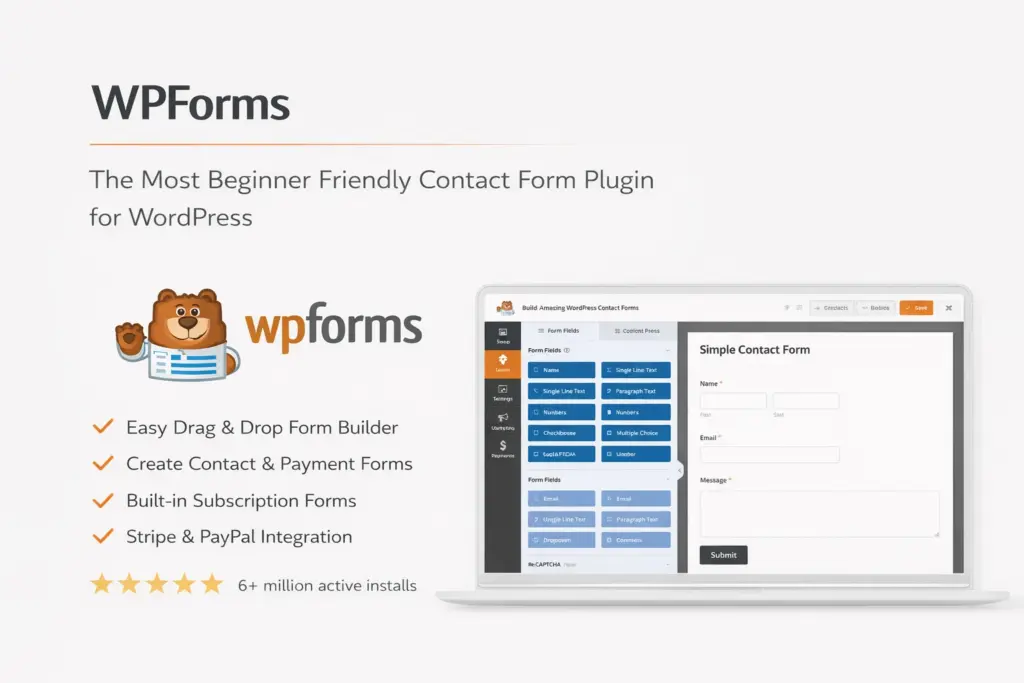
WPForms is one of the most popular contact form plugins for WordPress. It’s especially known for being beginner-friendly and easy to use.
The plugin includes a drag-and-drop builder that allows you to create forms visually without writing any code. You can choose from hundreds of templates and customize them based on your needs.
WPForms supports features like email notifications, spam protection, file uploads, and integration with marketing tools.
Key Features
| Feature | Available |
|---|---|
| Drag-and-drop builder | Yes |
| Pre-built templates | Yes |
| File uploads | Yes |
| Spam protection | Yes |
| Payment integrations | Pro version |
Example shortcode:
[wpforms id="123"]
Pricing
| Plan | Price |
|---|---|
| WPForms Lite | Free |
| Basic Plan | ~$49/year |
| Pro Plan | ~$199/year |
WPForms is a great choice for beginners and businesses that want to build forms quickly without technical complexity.
2. Forms
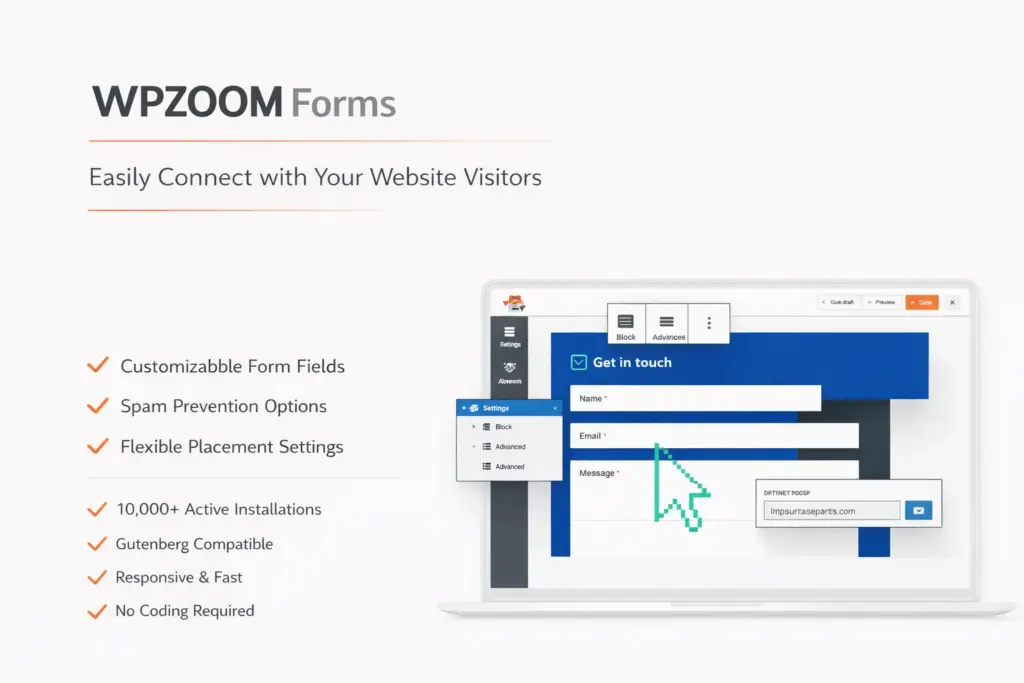
Forms is designed to provide a lightweight and modern form builder that works well with WordPress.
The plugin integrates directly with the WordPress block editor, allowing users to easily add forms to pages or posts.
It focuses on performance and simplicity, which helps keep websites fast.
Key Features
| Feature | Available |
|---|---|
| Gutenberg block integration | Yes |
| Drag-and-drop builder | Yes |
| Email notifications | Yes |
| Spam protection | Yes |
| AJAX submissions | Yes |
Example shortcode:
[_form id="1"]
Pricing
| Plan | Price |
|---|---|
| Free Version | Free |
| Premium Version | Paid |
Forms works well for bloggers and small business websites that need a simple contact form solution.
3. Contact Form 7
Contact Form 7 is one of the oldest and most widely used form plugins available for WordPress.
Even though its interface is simple, it remains popular because it is flexible and completely free.
Unlike modern builders, Contact Form 7 uses shortcodes and configuration settings instead of drag-and-drop editing.
Key Features
| Feature | Available |
|---|---|
| Free plugin | Yes |
| Customizable forms | Yes |
| CAPTCHA support | Yes |
| File uploads | Yes |
| Drag-and-drop builder | No |
Example shortcode:
[contact-form-7 id="123"]
Contact Form 7 is often preferred by developers who want more control over form customization.
4. Gravity Forms
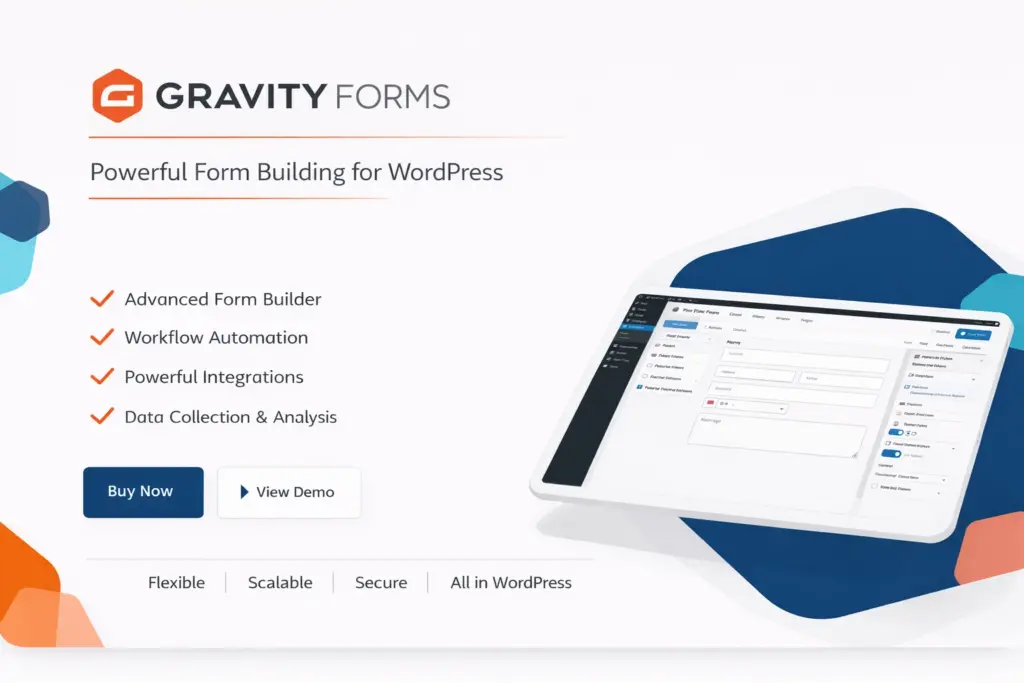
Gravity Forms is a premium plugin designed for websites that need advanced form functionality.
It allows you to create complex forms with features like conditional logic, calculations, and integrations with third-party tools.
Many businesses use Gravity Forms for applications such as surveys, payment forms, and customer registrations.
Key Features
| Feature | Available |
|---|---|
| Conditional logic | Yes |
| Multi-page forms | Yes |
| Payment integrations | Yes |
| File uploads | Yes |
| Third-party integrations | Yes |
Example shortcode:
[gravityform id="1"]
Pricing
| Plan | Price |
|---|---|
| Basic License | ~$59/year |
| Pro License | ~$159/year |
| Elite License | ~$259/year |
Gravity Forms is commonly used by agencies and professional developers.
5. Ninja Forms
Ninja Forms is another popular WordPress form plugin that offers a balance between simplicity and flexibility.
The plugin includes a drag-and-drop builder that allows users to design forms visually.
One unique aspect of Ninja Forms is its modular approach. You can start with a free version and add additional features through extensions.

Key Features
| Feature | Available |
|---|---|
| Drag-and-drop builder | Yes |
| File uploads | Yes |
| Conditional logic | Yes |
| Marketing integrations | Yes |
| Payment integrations | Add-ons |
Example shortcode:
[ninja_form id="1"]
This flexibility makes Ninja Forms suitable for both beginners and advanced users.
Why Contact Forms Matter
Contact forms might seem like a small feature, but they play a very important role on websites.
They allow visitors to communicate without leaving the page and help protect your email address from spam bots.
Forms also allow you to collect structured information such as project details, support requests, or customer feedback.
For businesses, contact forms can also help generate leads and manage customer inquiries more efficiently.
Frequently Asked Questions
What is the easiest contact form plugin for WordPress?
WPForms is often considered one of the easiest plugins to use because of its drag-and-drop builder and templates.
Are there free contact form plugins?
Yes. Contact Form 7 and WPForms Lite are popular free options.
Do contact form plugins slow down websites?
Most modern plugins are optimized for performance, but lightweight plugins usually have less impact on site speed.
Can contact forms accept payments?
Some advanced plugins support payment integrations with services such as PayPal or Stripe.
Final Thoughts – Choosing the Right Contact Form Plugin
Contact forms are an essential feature for almost every WordPress website. They allow visitors to communicate easily while protecting your email address from spam.
Fortunately, WordPress offers many plugins that make it simple to create professional forms without technical knowledge.
Some plugins focus on simplicity and ease of use, while others offer advanced features for complex websites.