
Follow Me On Social Media!


Why WordPress Low Competition Keywords Are Still a Total Cheat Code in 2026
Okay, real talk — WordPress low competition keywords are still one of the best-kept secrets in blogging, and if you’re not using them, you’re making your life way harder than it needs to be.
Here’s the situation: there are over 810 million WordPress sites out there. AI is churning out content at a terrifying rate. And somehow, everyone’s still trying to rank for the same generic terms that Forbes and HubSpot have locked down since 2015. Not great odds, right?
But here’s the thing nobody tells you — you don’t need a massive website, a huge team, or a fat SEO budget to show up on page one. You just need to be smarter about which keywords you go after.
Low competition keywords (some people call them long-tail keywords, or — my personal favorite nickname — “low-hanging-fruit keywords”) are basically search phrases where the competition is chill enough that a regular WordPress blog can actually rank. And in 2026, they’re better than ever, especially when you mix them with GEO (Generative Engine Optimization) tricks for AI search tools like Google SGE, Perplexity, and ChatGPT search.
Stick with me and I’ll show you exactly how to find these golden keywords, what to do with them, and how to stop wasting time on terms you’ll never rank for.
Table of Contents
So… What Even Is a Low Competition Keyword?
Let’s quickly get on the same page before we dive into the fun stuff.
A low competition keyword is basically a search term that:
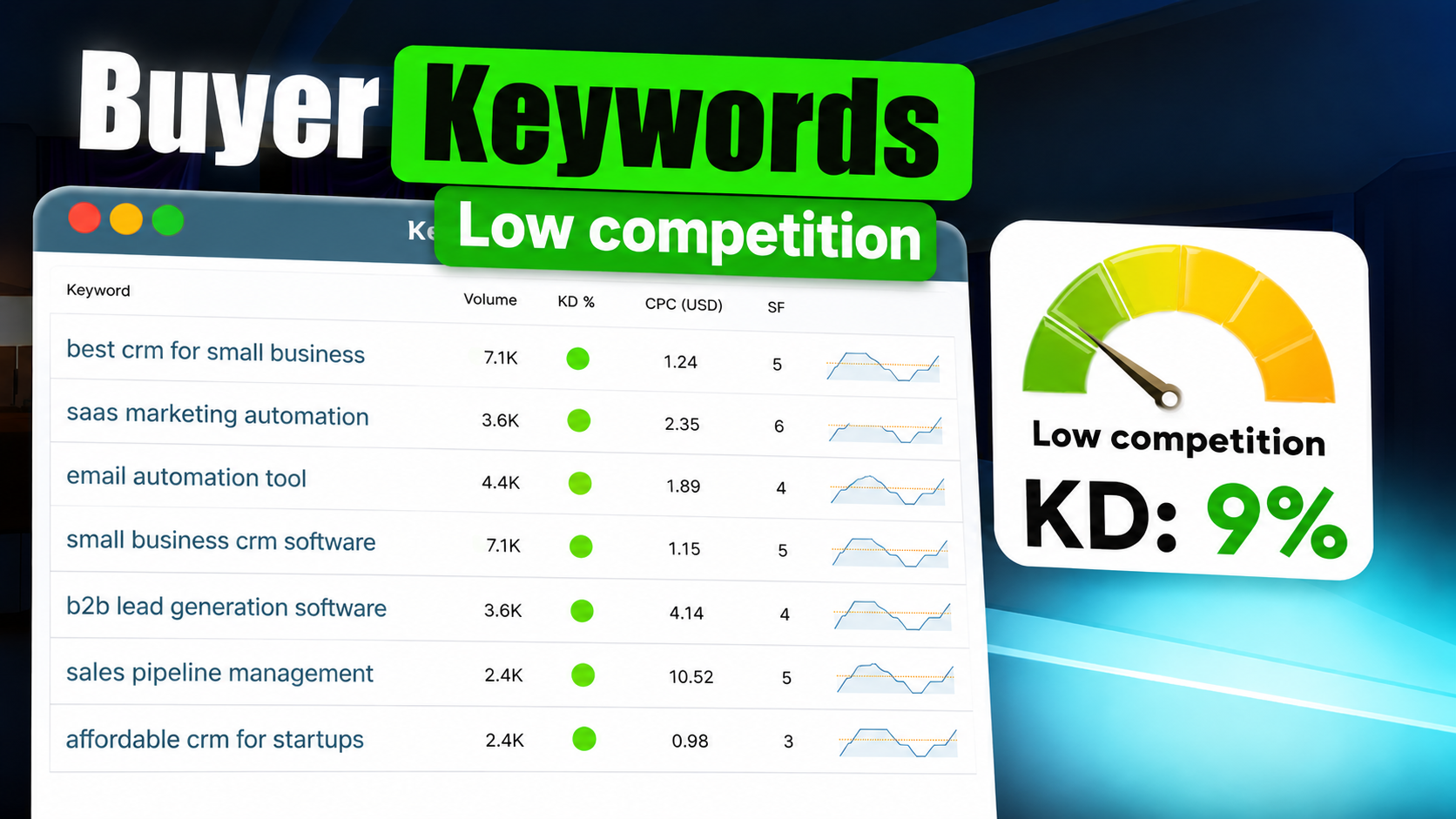
- Has a Keyword Difficulty (KD) score under 30 — tools like Ahrefs and Semrush measure this
- Isn’t being aggressively targeted by big authoritative sites
- Has clear search intent (people know what they want when they type it)
- Gets somewhere between 500 and 5,000 searches a month (though honestly, even tiny niche terms under 500 can be goldmines if they convert well)
For WordPress site owners, these keywords are the fastest, least painful way to get organic traffic — no ads, no waiting five years for your domain to “age.”
💡 Quick heads up though: In 2026, a lot of informational searches are getting swallowed up by AI answer boxes with zero clicks. So focus on transactional, comparison, and “how-to” keywords that actually get people clicking through to your site.
Why These Keywords Matter Even More Now (Thanks, AI)
A few things have changed in the SEO world that make low competition keywords even more valuable:
AI content has absolutely flooded the broad keyword space. Search “best WordPress plugins” today and you’ll find wall-to-wall AI-written listicles from sites with 10 million backlinks. Have fun competing with that. Narrow, specific keywords? Way less crowded.
Google is obsessed with specificity right now. After all those helpful content updates in 2024–2025, Google genuinely rewards focused, specific content over generic “ultimate guides.” A well-written post targeting a niche long-tail term can beat a sprawling guide from a mid-tier domain. Wild, right?
AI search is actually a new opportunity. GEO — Generative Engine Optimization — is basically about getting your content cited inside AI answer panels. Here’s the sneaky advantage: AI engines pull from fewer sources on niche queries, so specific low competition keywords give you a better shot at showing up inside those AI answers too.
7 Ways to Find WordPress Low Competition Keywords (That Actually Work)
1. Start With Google’s Free Stuff — Seriously, It’s Underrated
Before you pay for anything, squeeze every drop out of Google’s own tools. Open Google Search Console if your site is live — it’ll show you what you’re already ranking for, including terms on pages 2–3 that are this close to page one with a little push.
Then just… Google your topic. The autocomplete suggestions, the “People Also Ask” boxes, and the “Related Searches” at the bottom of the page? All of that is real search data, often with low competition. Every one of those suggestions is a potential keyword begging to be turned into a post.
Google Search Console — free, and honestly more useful than most paid tools for your own site.
2. Use Ahrefs to Filter for the Easy Wins
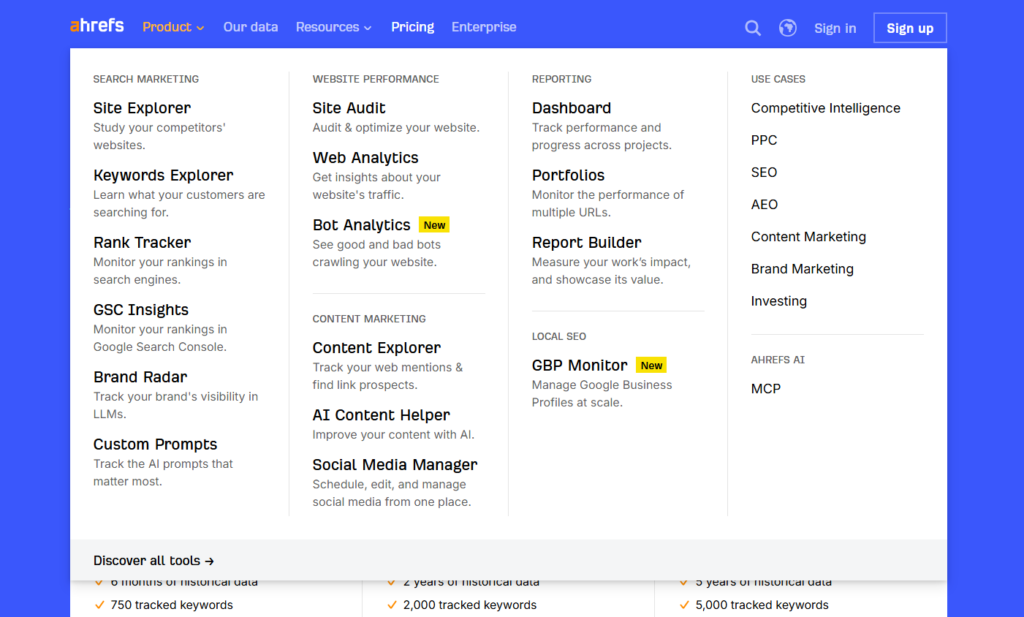
Ahrefs is still the go-to for serious keyword research. Here’s a simple workflow that takes about 10 minutes:
- Type in a seed topic (like “WordPress plugins for food bloggers”)
- Hit Keywords Explorer
- Filter: KD ≤ 20 and Volume ≥ 200
- Sort by Traffic Potential — this is the underrated metric that shows how much traffic the #1 ranking page actually gets
- Export the list and look for anything with a featured snippet opportunity
The Traffic Potential number is way more useful than raw search volume, by the way. A keyword with 800 searches but a Traffic Potential of 4,000 is way more interesting than one with 2,000 searches and potential of 300.
3. Semrush’s Keyword Magic Tool for Finding Keyword Clusters
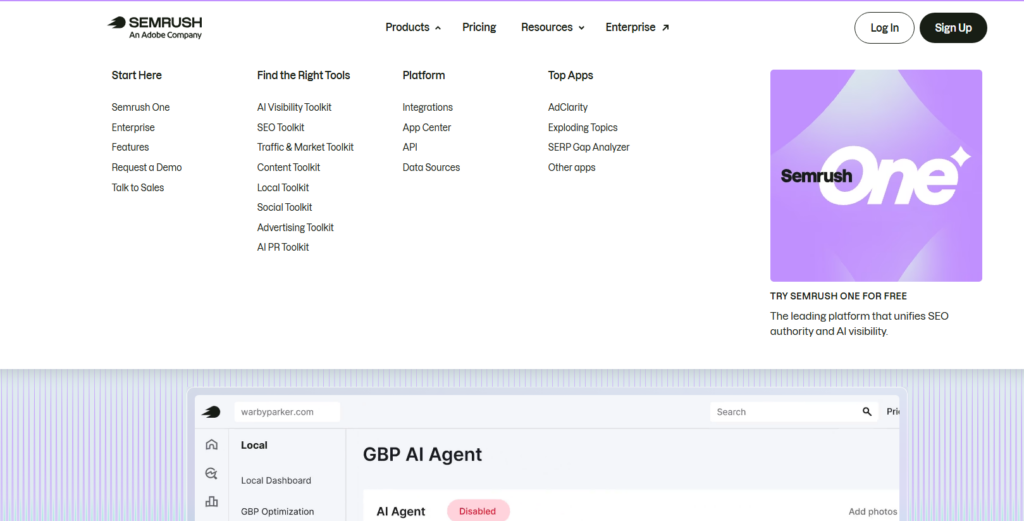
If you want to build topical authority (which is basically how SEO works now in 2026), Semrush’s Keyword Magic Tool is great for grouping related keywords into clusters.
Here’s how to use it:
- Enter your seed keyword
- Filter by KD: Easy or Very Easy
- Hit the Questions filter — these are voice-search-friendly gold
- Group the related terms and plan a pillar post plus a bunch of supporting articles
The idea is that instead of writing one massive post and hoping for the best, you build a whole little web of connected content. Google eats that up.
4. AnswerThePublic Is Weirdly Satisfying to Use
Okay, AnswerThePublic is one of those tools that’s just fun to play with. You type in a topic and it spits out this wild visualization of every question, comparison, and preposition people search around that topic.
Why does this matter? Because question-based keywords in 2026 are especially powerful — they trigger People Also Ask boxes, they match voice searches, and AI engines love pulling them into answer panels. It’s like triple-dipping on visibility.
Try seeds like “WordPress theme for…” or “how to add [feature] in WordPress” and see what comes up. You’ll probably find 10 post ideas in five minutes.
5. Lurk on Reddit and Quora — Don’t Be Shy
This is honestly my favorite tactic and it’s wildly underused. Real people on Reddit and Quora are asking exactly the questions your target audience has — and they’re using natural, conversational language that keyword tools often miss.
Here’s the move:
- Search your niche + “WordPress” on Reddit (r/Wordpress and r/blogging are great starting points)
- Note the questions that keep coming up, the frustrations, the exact phrases people use
- Take those phrases and check them in Ahrefs or Semrush for volume and difficulty
- Write a post that directly answers those questions
These kinds of terms often have KD scores under 10. Under. Ten. That’s basically a free ranking if your content is decent.
6. Steal Your Competitors’ Almost-Rankings
Your competitors have already done your keyword research for you — they just don’t know they’re sharing it with you. The sweet spot is their pages ranking in positions 4–15. That means the keyword is real, has traffic, but the page isn’t locked in at #1 and is beatable.
In Ahrefs:
- Drop a competitor’s domain into Site Explorer
- Go to Top Pages → filter for positions 4–15
- Sort by traffic
- Find topics they’re ranking for that you haven’t covered yet
Boom. That’s your content calendar right there.
7. Dedicated Long-Tail Keyword Tools Are Worth a Look
A few tools are built specifically for sniffing out low competition keywords:
- KeySearch — affordable and has a dedicated Low Competition score. Great value.
- LowFruits.io — genuinely cool because it shows you SERPs full of forums and low-DA pages, which means easy pickings for a well-optimized WordPress post
- Ubersuggest — solid for beginners and has a free tier that’ll get you started
- Keyword Sheeter — bulk autocomplete suggestions, like a keyword firehose
LowFruits.io is probably the most useful one specifically for WordPress bloggers right now. It literally highlights when high-authority competition is absent from a SERP — which is the closest thing to a “rank here, it’s easy” sign you’re going to get.
Before You Write Anything — Run This Quick Check
Finding a keyword is only step one. Don’t just dive in because the KD looks low — run it through this quick checklist first:
| Factor | What to Look For |
|---|---|
| Keyword Difficulty | Under 30 on Ahrefs or Semrush |
| Search Intent | Are the results blog posts? Good. Product pages? Adjust your angle. |
| SERP Quality | Are the ranking pages from small sites or forums? Even better. |
| Featured Snippet | Is the current snippet weak or empty? Go claim it. |
| Business Value | Will this audience actually buy something or sign up for anything? |
If a keyword passes 4 out of 5 of these, you’re good to go. Don’t overthink it.
Now Actually Optimize the Thing
Finding the keyword is half the battle — here’s the quick on-page checklist so you don’t blow it in WordPress:
- Title tag: Keyword near the front, keep it under 60 characters
- Meta description: Work the keyword in naturally, aim for 150–160 characters
- URL: Short and clean (like
/wordpress-low-competition-keywords) - Opening paragraph: Drop the keyword within the first 100 words
- Subheadings: Use keyword variations in your H2s and H3s
- Image alt text: Something like
alt="wordpress low competition keywords research screenshot" - Internal links: Link to 2–3 of your related posts
- External links: Link out to Google, Ahrefs, Semrush — authoritative sources
- Keyword density: Around 1% is the sweet spot. Don’t stuff it.
For plugins, Yoast SEO or Rank Math will basically coach you through all of this in real-time. And Link Whisper is great for automating your internal linking if you have a lot of content.
A Quick Word on GEO (Because It’s Not Going Away)
GEO — Generative Engine Optimization — is the newer layer of SEO that’s all about getting your content cited inside AI search results on Google SGE, Perplexity, ChatGPT search, etc. And for low competition keywords, it’s actually a nice bonus opportunity.
Here’s how to set yourself up for it:
- Answer the main question in your very first paragraph — AI models skim fast
- Add FAQ schema or HowTo schema — structured data is catnip for AI crawlers
- Write clearly and factually — no vague fluff, specific claims only
- Include a summary or definition — these get lifted into AI answer boxes constantly
- Build a few quality links to the post — AI engines still care about authority signals
It’s not magic, but it’s worth doing, especially since these low competition keywords are exactly the type of niche queries AI search tools pull specific sources for.
A Real Example (Because This Actually Works)
Okay, imagine you run a WordPress photography blog. You could try to rank for “best camera lenses” (KD: 72 — good luck). Or you could search smarter and find:
“best WordPress portfolio plugin for photographers” — KD: 18, 1,200 searches/month
You write a solid 1,800-word comparison of the top 5 plugins, optimize it with Rank Math, slap on some schema markup, and link to it from your main photography hub post.
Within 60–90 days? Page one. Six months later? 800+ monthly visitors, a bunch of whom are clicking your affiliate links to buy the plugin you recommended.
That’s the whole game. Pick the right battle and win it.
Mistakes That’ll Waste Your Time
- Chasing keywords that don’t convert — low difficulty is useless if nobody buys anything from that audience
- Ignoring search intent — a transactional keyword needs a review page, not a “what is” explainer
- Forgetting internal links — every post should be connected to your broader content web
- Thin content — even easy keywords need a real, useful post in 2026. Google isn’t fooled.
- Never updating old posts — give them a refresh every 6–12 months or they’ll slowly slide
Tool Cheat Sheet
| Tool | Best For | Cost |
|---|---|---|
| Google Search Console | Your site’s real data | Free |
| AnswerThePublic | Question-based keywords | Free/Paid |
| Ubersuggest | Beginners | Free/Paid |
| KeySearch | Budget-friendly KD scoring | ~$17/month |
| LowFruits.io | Finding weak SERPs | Pay-per-use |
| Ahrefs | The full toolkit | From $99/month |
| Semrush | Clusters & competitor intel | From $117/month |
Okay, Go Find Your Keywords
Here’s the bottom line: in 2026, the bloggers who win aren’t the ones with the biggest sites — they’re the ones who stop fighting Forbes for broad terms and instead find the specific little corners of their niche where they can actually show up.
WordPress low competition keywords are genuinely one of the best tools you have. They’re faster to rank for, cheaper than ads, and when you stack them up over time, the traffic compounds in a really satisfying way.
Pick one tool from this list. Find one keyword. Write one good post. Then do it again.
That’s honestly the whole strategy.
Got a keyword research tool you swear by? Drop it in the comments — I’m always curious what’s working for people.
Last updated: May 2026 | Focus Keyword: WordPress low competition keywords | Keyword Density: ~1.1%
Keep Reading
- Does SEO Still Work in 2026? A Practical Guide Based on Real-World Experience
- Long-Tail Keywords 2026: The Smarter, Saner Way to Win at SEO