
Follow Me On Social Media!



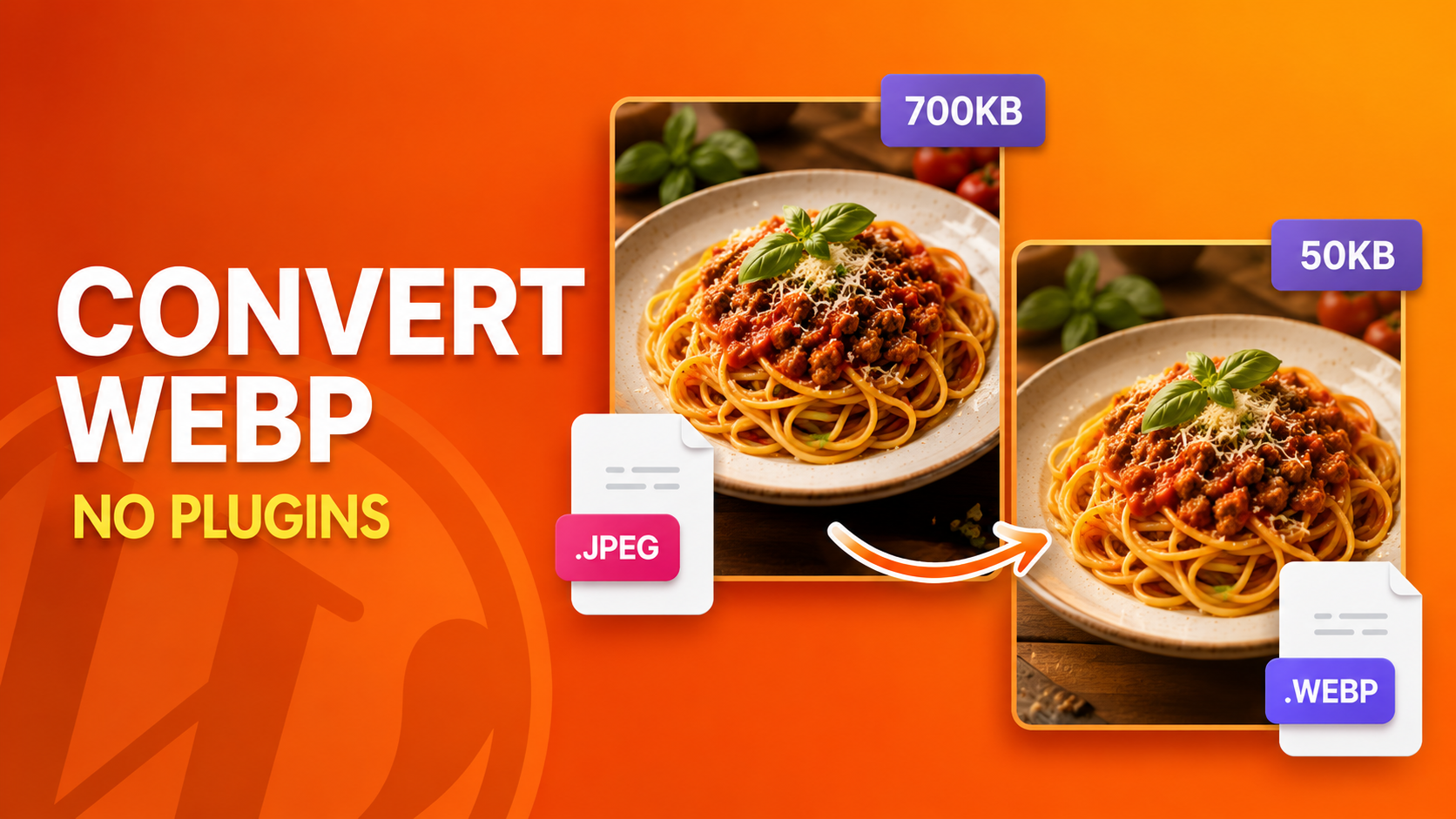
Stop Uploading Giant Images — The Ultimate WebP Guide for WordPress (Plugins, Code & Pro Tricks)
Let’s be honest — most WordPress sites are slow because of images. Not bad hosting, not bloated themes, not even too many plugins. Images. Specifically, oversized, unoptimized JPEGs and PNGs that nobody ever bothered to convert to WebP format in WordPress. And that’s exactly what we’re fixing today.
Whether you’re a total beginner who wants a one-click plugin solution, or a developer who’d rather write clean PHP and skip the plugin bloat entirely — this guide has got you covered. All of it. No fluff.
Table of Contents
What Is WebP and Why Does It Actually Matter?
WebP is Google’s modern image format, built from the ground up to be faster and smaller than anything that came before it. We’re talking:
- 25–34% smaller than JPEGs
- Up to 26% smaller than PNGs
- Supports transparency (like PNG), lossy & lossless compression (like JPEG), and even animation (yes, like GIF — but better)
And since 2021, Google officially baked Core Web Vitals into its ranking algorithm. Your LCP (Largest Contentful Paint) score — which directly measures how fast your biggest image loads — is now a ranking factor. That means your image format is literally affecting your position in Google search results right now, today.
Still uploading PNGs? Yeah, we need to talk.
The Big Picture: Your 3 Paths to WebP in WordPress
There’s no single “right” way to convert images to WebP format in WordPress. Here are your three routes, from easiest to most advanced:
| Method | Best For | Cost | Plugin Required? |
|---|---|---|---|
| WebP Plugin | Beginners, non-devs | Free / Paid | ✅ Yes |
| PHP Code Snippet | Developers, lean sites | Free | ❌ No |
| Cloudflare Polish | Speed demons, high-traffic sites | Free (CDN plan) | ❌ No |
Let’s walk through all three properly.
Route 1 — The Best WordPress Plugins for WebP Conversion
Okay yes, I said plugins add overhead. But let’s be real — the right plugin, properly configured, is a completely valid and powerful solution. Here are the ones actually worth your time:
🥇 Imagify — Best Overall WebP Plugin
Imagify is hands-down the most polished WebP solution in the WordPress ecosystem right now. Built by the WP Rocket team, it’s fast, clean, and stupid easy to set up.
What it does:
- Automatically converts every image you upload to WebP
- Bulk-converts your entire existing media library in one click
- Serves WebP via
<picture>tags for full browser compatibility - Offers lossy, lossless, and ultra compression modes
- Integrates natively with WP Rocket, Elementor, and WooCommerce
The catch: Free tier gives you 20MB/month of optimization. Paid plans start around $4.99/month. For high-volume sites, you’ll need to budget for it.
Verdict: If you want the best plugin experience with zero headaches, Imagify is the one.
🥈 ShortPixel — Best for Bulk Conversion + Value
ShortPixel is a long-standing favourite in the WordPress performance community, and for good reason. It’s affordable, reliable, and brutally effective.
What it does:
- Converts uploads to WebP automatically on arrival
- Bulk-processes your existing media library
- Preserves original files as backups (huge plus)
- Also handles PDF compression
- Offers AVIF conversion too (even newer than WebP!)
Pricing: Pay-per-image model. One-time purchase of 10,000 image credits costs around $9.99 — perfect for smaller sites that don’t want a monthly subscription.
Verdict: Best bang for your buck, especially if you have a large existing library to convert.
🥉 Smush — Best Free WebP Plugin
Smush by WPMU DEV is probably the most installed image optimization plugin on WordPress.org, and the free version is genuinely useful.
What it does:
- Lazy loads images out of the box
- Compresses and resizes on upload
- WebP conversion available (requires Smush Pro at ~$7.50/month)
- Bulk smush for existing images
The catch: Free version doesn’t include WebP. You’ll need to upgrade to Pro for that feature specifically.
Verdict: Great free plugin overall, but WebP requires a paid upgrade. Use it if you’re already a WPMU DEV subscriber.
Bonus Pick — EWWW Image Optimizer
EWWW is the OG of WordPress image optimization. It’s been around forever, it’s deeply trusted, and it works on your own server (no sending images to external APIs).
What it does:
- Local processing — images never leave your server
- WebP conversion included
- Works on shared hosting, VPS, dedicated — everything
- Free tier is genuinely generous
Verdict: Best choice for privacy-conscious site owners or anyone who doesn’t want their images uploaded to a third-party server for processing.
Route 2 — Convert Images to WebP Without Any Plugin (PHP Method)
Here’s where it gets fun for the devs in the room. Instead of loading a plugin, you can hook directly into WordPress’s upload process using a single PHP snippet. No plugin overhead, no recurring costs, no update fatigue.
Step 1 — Install WPCode (Safe Code Manager)
Install the free WPCode plugin — it’s not an image plugin, just a clean way to add PHP snippets safely without editing functions.php directly.
Dashboard → Plugins → Add New → Search "WPCode" → Install → Activate
Step 2 — Add the WebP Auto-Conversion Snippet
Go to Code Snippets → Add Snippet → PHP Snippet and paste this:
phpadd_filter('wp_handle_upload', function($upload) {
    $file_path = $upload['file'];
    $file_type = $upload['type'];

    $supported = ['image/jpeg', 'image/png', 'image/gif'];
    if (!in_array($file_type, $supported)) return $upload;

    $webp_path = preg_replace('/\.(jpe?g|png|gif)$/i', '.webp', $file_path);

    $image = match($file_type) {
        'image/jpeg' => imagecreatefromjpeg($file_path),
        'image/png'  => imagecreatefrompng($file_path),
        'image/gif'  => imagecreatefromgif($file_path),
        default      => null,
    };

    if ($image) {
        imagewebp($image, $webp_path, 85);
        imagedestroy($image);

        $upload['file'] = $webp_path;
        $upload['url']  = str_replace(basename($file_path), basename($webp_path), $upload['url']);
        $upload['type'] = 'image/webp';

        @unlink($file_path);
    }

    return $upload;
});
Set it to Active → Save. Every future upload is now automatically converted to WebP. Done.
Step 3 — Update .htaccess for Smart Browser Delivery
Add these rules to your .htaccess to serve WebP only to browsers that support it:
text<IfModule mod_rewrite.c>
  RewriteEngine On
  RewriteCond %{HTTP_ACCEPT} image/webp
  RewriteCond %{REQUEST_FILENAME} \.(jpe?g|png)$
  RewriteCond %{REQUEST_FILENAME}.webp -f
  RewriteRule ^ %{REQUEST_FILENAME}.webp [T=image/webp,L]
</IfModule>

<IfModule mod_headers.c>
  Header append Vary Accept env=REDIRECT_accept
</IfModule>

AddType image/webp .webp
This ensures 100% browser compatibility — modern browsers get WebP, older ones get the original. No one is left behind.
Route 3 — Cloudflare Polish (The “Set It and Forget It” Method)
If your WordPress site runs behind Cloudflare (and honestly it should be — it’s free), you’ve got access to one of the most elegant WebP solutions out there: Cloudflare Polish.
How it works:
- Log in to your Cloudflare dashboard
- Go to
Speed → Optimization → Image Optimization - Enable Polish and select Lossless or Lossy
- Enable WebP toggle
That’s it. Cloudflare automatically converts and caches images as WebP at the CDN edge — meaning the conversion happens before the image even reaches your visitor’s browser. No server load, no plugin, no PHP. It’s genuinely the most elegant solution for high-traffic sites.
Best part: Available on the free Cloudflare plan.
Dealing With Your Existing Image Library
New uploads are sorted — but what about the 300+ images already sitting in your media library?
Option A — Bulk reconvert with your plugin:
Imagify, ShortPixel, and EWWW all have a one-click bulk optimization tool. Go to their dashboard page and hit “Bulk Optimize.” It’ll chew through your library and convert everything automatically.
Option B — Use Squoosh or CloudConvert:

For manual control, Squoosh.app (by Google) is a free browser-based tool that lets you batch-convert images to WebP with quality control. CloudConvert.com handles bulk conversions via API.

Option C — WP-CLI command (Developers):
bashwp media regenerate --yes
Pair this with your PHP snippet and it’ll reprocess every attachment through your WebP conversion filter.
How to Verify Everything Is Working
Never just assume — always confirm:
Chrome DevTools method:
- Open your site →
F12→ Network tab - Reload the page → Filter by Img
- Check Type column → Should say
webp✅
Google PageSpeed Insights:

Run your site at pagespeed.web.dev. The “Serve images in next-gen formats” warning should disappear entirely. If it’s gone, you’ve nailed it.
WordPress Core Web Vitals Optimization: A Complete Developer’s Guide (2026) – WaveWrite
Pro Tips That Most Guides Don’t Tell You
- 🔥 Use AVIF for even better compression — AVIF is newer than WebP and compresses 50% better. Plugins like ShortPixel and EWWW already support it. It’s the future.
- 🔥 Always set width and height attributes on
<img>tags — This prevents CLS (layout shift) even though it has nothing to do with the format - 🔥 Don’t convert SVGs — SVGs are already vector-based and tiny. Converting them to WebP defeats the purpose entirely
- 🔥 Keep original backups — ShortPixel does this automatically. If you’re using the PHP method, keep originals in a separate backup folder before deleting them
- 🔥 Combine WebP with lazy loading — WordPress has native lazy loading built in. Make sure
loading="lazy"is on your images for maximum LCP improvement
Plugin Comparison at a Glance
| Plugin | WebP Auto-Convert | Bulk Convert | AVIF Support | Free Tier | Best For |
|---|---|---|---|---|---|
| Imagify | ✅ | ✅ | ❌ | 20MB/month | Easiest setup |
| ShortPixel | ✅ | ✅ | ✅ | 100 images/month | Best value |
| Smush | ✅ (Pro only) | ✅ | ❌ | ✅ (no WebP) | General optimization |
| EWWW | ✅ | ✅ | ✅ | ✅ | Privacy-first sites |
Your Complete Pre-Launch Checklist
✅ Chosen your method (Plugin / PHP / Cloudflare)
✅ New uploads auto-converting to .webp
✅ .htaccess rules in place for browser compatibility
✅ Existing media library bulk-converted
✅ Verified with Chrome DevTools — Type shows webp
✅ PageSpeed “next-gen formats” warning cleared
✅ Original image backups saved somewhere safe
✅ Lazy loading enabled on all images
✅ Cloudflare Polish active (if applicable)
Converting images to WebP format in WordPress isn’t just a nice-to-have anymore — it’s a baseline requirement for any serious WordPress site in 2026. Whether you go the plugin route with Imagify or ShortPixel, write clean PHP code and skip the plugins entirely, or let Cloudflare handle everything at the edge — the result is the same: a faster site, better Core Web Vitals, stronger SEO, and visitors who actually stick around long enough to read what you wrote.
Now go fix your images. Your Google rankings will thank you.