
Follow Me On Social Media!



Search engine traffic can make a huge difference to a website. If your pages rank well, people can find your content, products, and services without you paying for every visit. If they don’t, even a well-designed website may sit quietly online without getting the attention it deserves.
That’s why SEO matters so much.
For WordPress users, one of the easiest ways to improve technical SEO and organize on-page optimization is by using the right plugin. A good SEO plugin won’t magically rank your website overnight, but it can make important tasks much easier. It can help you manage titles and meta descriptions, create XML sitemaps, add schema markup, handle redirects, improve internal linking, and monitor key performance signals.
The challenge is that there are so many SEO plugins available now that choosing the right one can feel confusing. Some tools are designed for beginners. Others focus on advanced automation, technical controls, or performance. Some are full SEO suites, while others solve one specific problem really well.
In this guide, we’ll look at the top SEO plugins for WordPress, what they do best, how much they cost, and which type of website they suit best.
Table of Contents
Quick Look: Best SEO Plugins for WordPress
Before diving into the full reviews, here’s a simple overview of the plugins covered in this guide.
| Plugin | Best For | Starting Price | Main Strength |
|---|---|---|---|
| Yoast SEO | Beginners and content sites | Free / $99 per year | On-page SEO analysis |
| Rank Math | Advanced users and growing sites | Free / $6.99 per month billed yearly | Feature-rich all-in-one SEO |
| SEOPress | Users who want flexibility | Free / $149 per year | Clean interface and strong feature set |
| All in One SEO | Businesses and agencies | $49.60 per year | Broad SEO toolkit |
| Zynith SEO | Lightweight setups | $14.99 per month | Simple and performance-focused |
| Squirrly SEO | Content-driven SEO workflows | $20.99 per month | AI-assisted optimization |
| WP Rocket | Speed optimization | $59 per year | Faster performance for better SEO |
| Smush | Image optimization | Free / Paid | Image compression and lazy loading |
| Redirection | Redirect management | Free / Paid plans available from provider ecosystem | URL control and 404 fixes |
| Internal Link Juicer | Internal linking | Free / $69.99 per year | Automated link building |
| Schema Pro | Rich snippets and schema | $69 per year | Structured data control |
| Header Footer Code Manager | Script management | $35 per year | Easy tracking/script insertion |
| MonsterInsights | Analytics inside WordPress | $99.60 per year | Search and traffic insights |
1. Yoast SEO
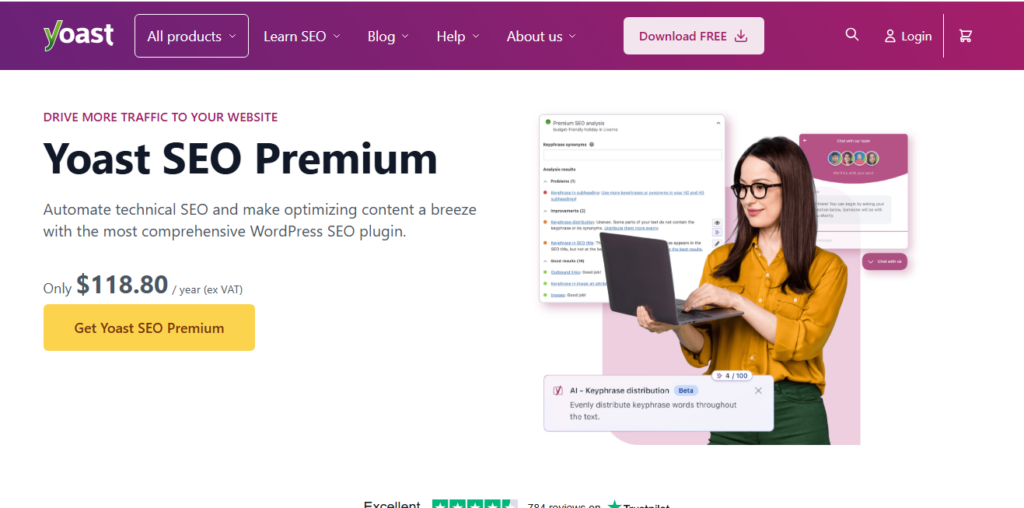
Yoast SEO is one of the best-known WordPress SEO plugins, and for many users it’s the first plugin they install after launching a site. It has been around for years and built its reputation by making SEO easier to understand for non-technical users.
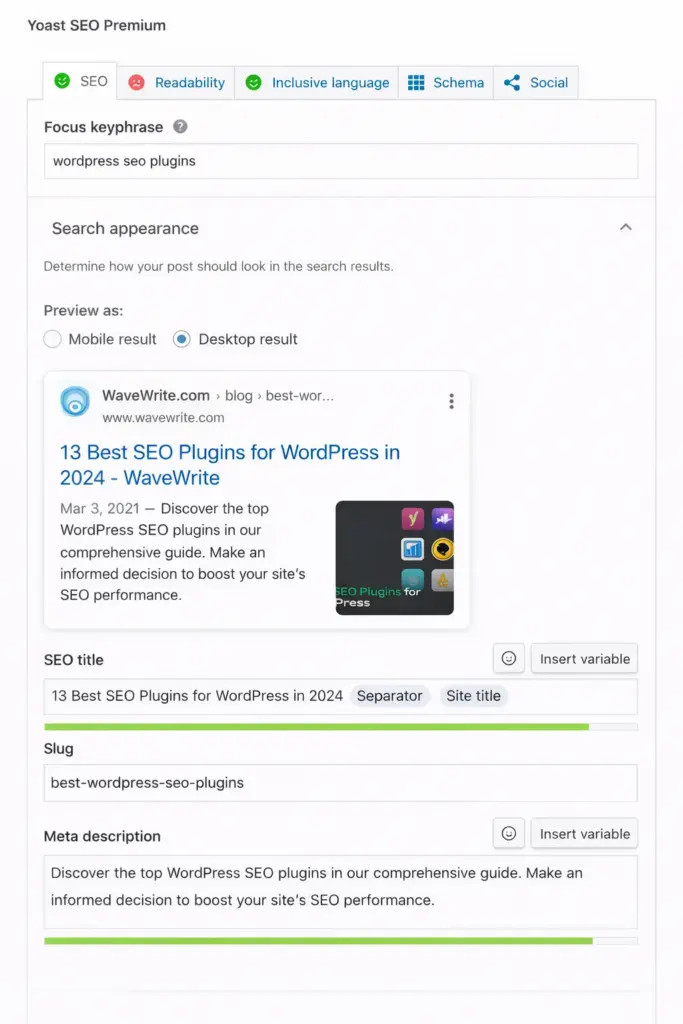
What makes Yoast popular is its balance between guidance and practicality. Instead of just giving you settings, it also gives feedback while you write. It analyzes your content, looks at your focus keyword, checks readability, reviews your title and meta description, and suggests improvements before you publish.
That makes it especially useful for bloggers, small business sites, and content-heavy websites where on-page optimization matters a lot.
Yoast also helps with the technical side of SEO. It can create XML sitemaps, manage indexation settings, control title templates, and improve how your site appears on social media platforms.
Key strengths of Yoast SEO
- Easy setup for beginners
- Real-time content and readability analysis
- XML sitemap support
- Social media preview options
- Strong documentation and learning resources
Best for
Yoast SEO works especially well for:
- blogs
- business websites
- publishers
- beginners who want guided optimization
Yoast SEO pricing
| Plan | Price |
|---|---|
| Yoast SEO Free | Free |
| Yoast SEO Premium | $99 per year |
| Yoast Plugin Subscription | $229 per year |
The premium version adds more advanced tools like redirect management, internal linking suggestions, and support for multiple keyword variations.
2. Rank Math
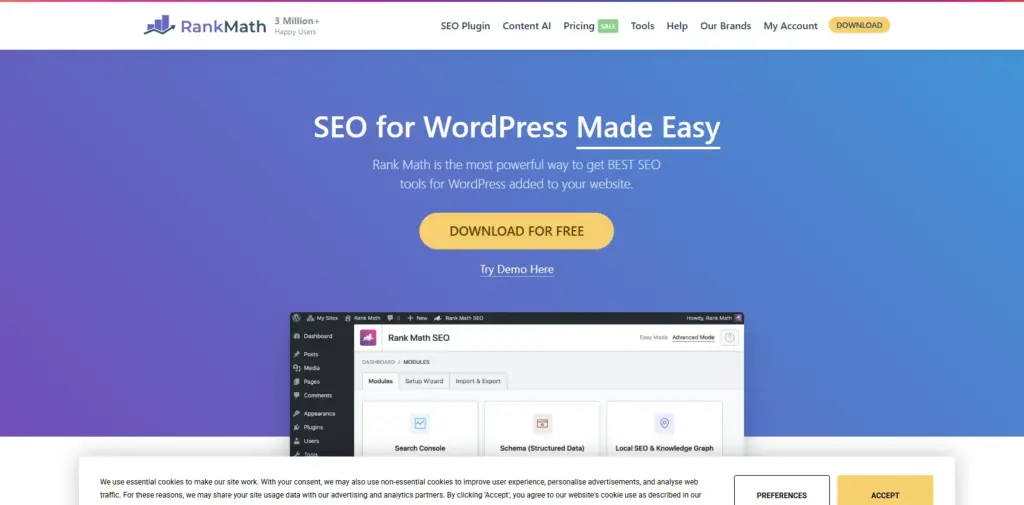
Rank Math has become one of the strongest alternatives to older SEO plugins because it offers a very large feature set in one package. Many WordPress users like it because it combines content optimization, technical SEO controls, schema options, and analytics integrations in a more modern interface.
Its setup wizard is one of its strongest points. It helps users configure core settings without feeling overwhelmed, and it connects easily with tools like Google Search Console and Google Analytics.
Rank Math is also strong when it comes to structured data. It includes advanced schema support, making it easier to add rich results for articles, products, reviews, FAQs, and more without needing extra plugins.
For site owners who want one plugin that handles most SEO tasks from one dashboard, Rank Math is often a very appealing option.
Key strengths of Rank Math
- Easy onboarding wizard
- Advanced schema generator
- Google integrations inside the dashboard
- Keyword tracking and content suggestions
- Local SEO and WooCommerce support
Best for
Rank Math is a strong fit for:
- affiliate websites
- online stores
- agencies
- growing content sites
- users who want more advanced SEO control
Rank Math pricing
| Plan | Price |
|---|---|
| Free | Free |
| Pro | $6.99 per month billed annually |
| Business | $20.99 per month billed annually |
| Agency | $49.99 per month billed annually |
It is one of the most feature-heavy SEO plugins available, which makes it attractive for users who want more than just basic meta tag management.
3. SEOPress
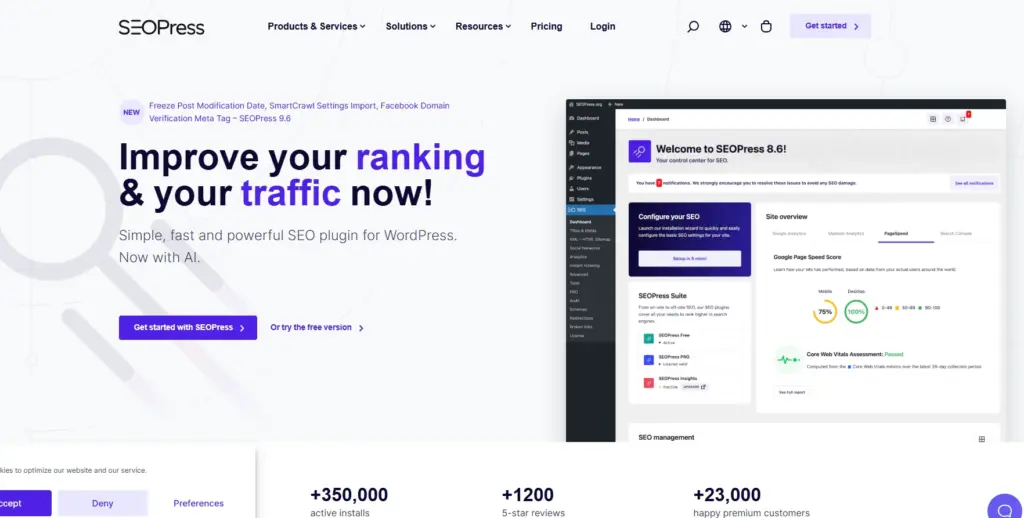
SEOPress is often chosen by users who want a clean interface and a powerful feature set without too much clutter. It manages to include a lot of functionality while still feeling relatively simple to use.
The free version covers many important basics, including meta titles, XML sitemaps, social sharing options, and content indexing tools. The Pro version expands this with features like local SEO, WooCommerce SEO, structured data types, redirects, and Google integrations.
One of the reasons SEOPress appeals to some users is that it feels efficient. It doesn’t try to overwhelm users with too much visual noise, and many website owners appreciate that.
Key strengths of SEOPress
- Clean dashboard
- Strong free version
- Broad schema and redirect tools
- WooCommerce support
- Useful integrations for advanced users
Best for
SEOPress works well for:
- freelancers
- agencies
- bloggers
- businesses that want strong SEO tools in a cleaner interface
SEOPress pricing
| Plan | Price |
|---|---|
| Free | Free |
| SEOPress PRO | $149 per year |
| SEOPress Insights | $99 per year per site |
It’s a solid option for users who want depth without sacrificing usability.
4. All in One SEO
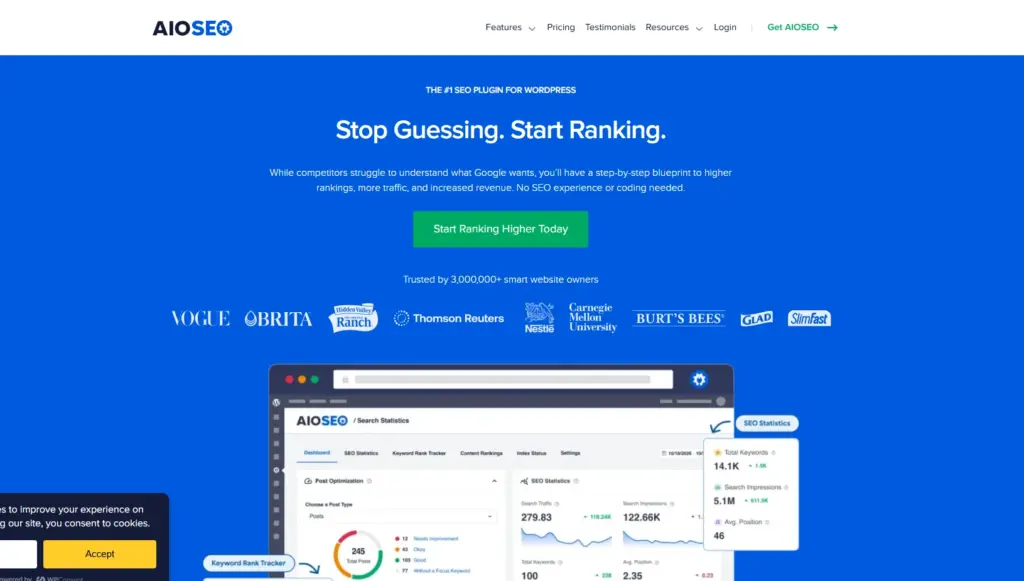
All in One SEO, often shortened to AIOSEO, is another major name in the WordPress SEO space. It’s designed to serve a wide range of users, from beginners to advanced website owners who need more structured control over their SEO setup.
AIOSEO includes on-page analysis, schema support, XML sitemaps, local SEO, WooCommerce enhancements, and search appearance controls. It also has tools for internal linking and tracking important SEO improvements over time.
What stands out about AIOSEO is that it tries to balance simplicity with depth. It gives beginners a guided setup process, while still offering enough features for larger or more complex websites.
Key strengths of All in One SEO
- Beginner-friendly setup wizard
- Strong local SEO support
- WooCommerce optimization features
- Rich snippets and schema tools
- Internal linking assistance
Best for
AIOSEO is well suited for:
- local business websites
- eCommerce stores
- agencies
- growing content websites
All in One SEO pricing
| Plan | Price |
|---|---|
| Basic | $49.60 per year |
| Plus | $99.60 per year |
| Pro | $199.60 per year |
| Elite | $299.60 per year |
It’s a good option for users who want a mature, polished SEO platform that covers both content and technical optimization.
5. Zynith SEO
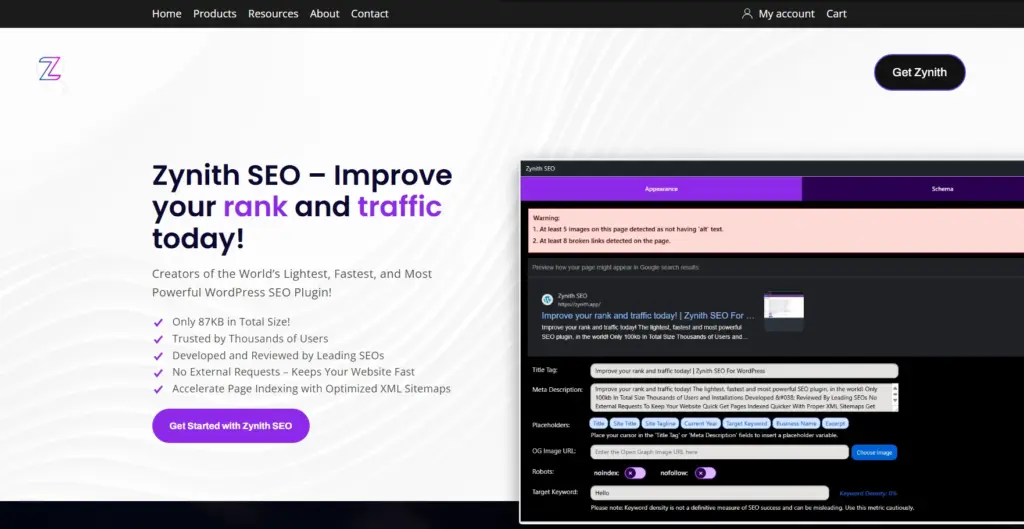
Zynith SEO is a lighter and newer option compared with some of the larger plugin suites. It focuses on providing useful optimization tools without making the plugin feel too heavy.
Its features include meta title and description editing, schema generation, XML sitemap support, and SERP preview functionality. It also offers AI-based content insights, which may appeal to users who want quick suggestions inside the dashboard.
Zynith is an interesting choice for website owners who want a more streamlined SEO plugin and who care about keeping their WordPress setup lighter.
Key strengths of Zynith SEO
- Lightweight design
- SERP preview tools
- Schema builder
- Automated sitemap generation
- AI-based content help
Best for
Zynith SEO may suit:
- small websites
- users who want simpler SEO controls
- content sites focused on speed and clean setup
Zynith SEO pricing
| Plan | Price |
|---|---|
| Monthly | $14.99 per month |
| Yearly | $98.99 per year |
It may not be as established as some bigger SEO plugins, but it offers an alternative for users who prefer a more compact solution.
6. Squirrly SEO
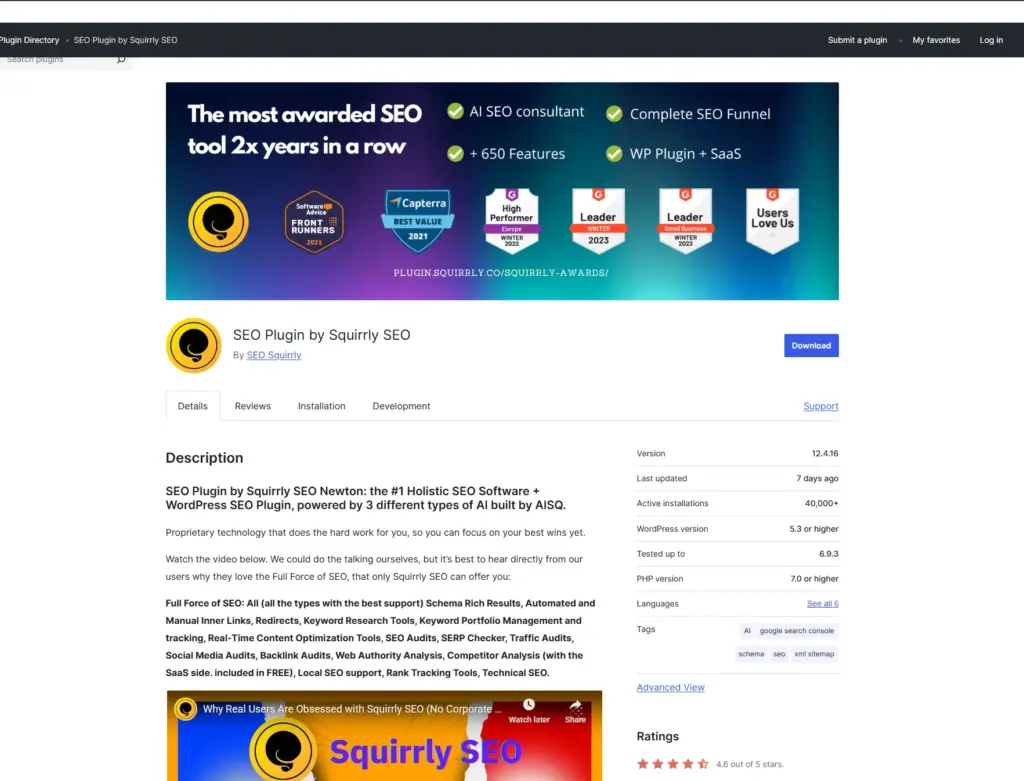
Squirrly SEO takes a different approach by focusing heavily on guided optimization and AI-supported workflows. Instead of just giving you settings and fields to fill out, it tries to actively coach users during the content creation process.
Its live SEO assistant, keyword research suggestions, and site audits make it attractive for content-focused users who want help improving content as they write.
This plugin is often appealing to website owners who publish frequently and want more than a technical optimization tool. It tries to function more like an SEO assistant inside WordPress.
Key strengths of Squirrly SEO
- AI-powered content guidance
- Real-time optimization suggestions
- SEO audits and performance monitoring
- Keyword research support
- Integrations with popular builders
Best for
Squirrly SEO is often a good fit for:
- content marketers
- bloggers
- SEO-focused publishers
- teams producing regular articles
Squirrly SEO pricing
| Plan | Price |
|---|---|
| Pro | $20.99 per month |
| Business | $71.99 per month |
| Agency | $75.99 per month |
Its value depends largely on whether you want active content guidance rather than just technical SEO tools.
7. WP Rocket
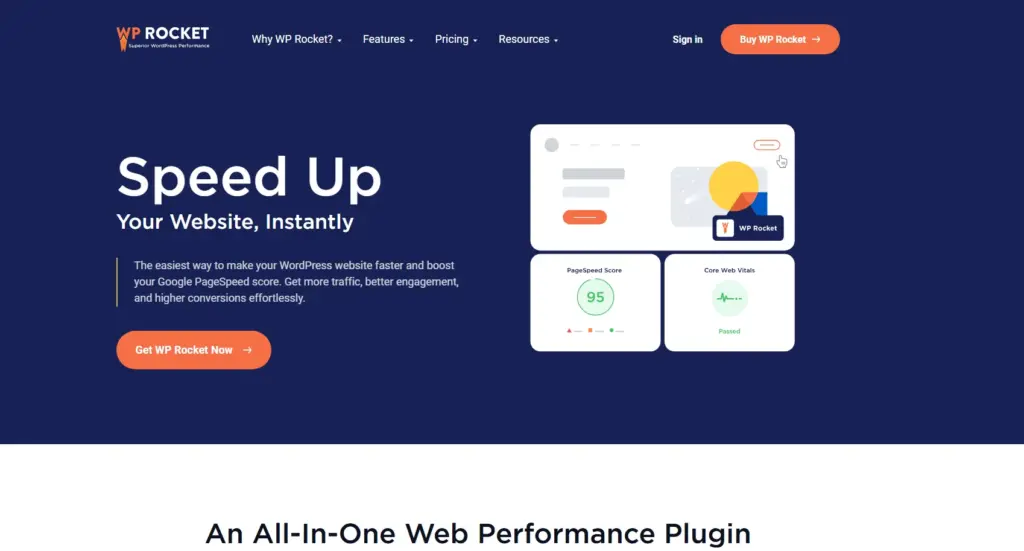
WP Rocket is not a traditional SEO plugin, but it deserves a place in this list because speed has become such an important part of modern SEO.
A slow site affects user experience, conversion rates, and Core Web Vitals. WP Rocket helps address that by improving page caching, file optimization, lazy loading, and database performance. Faster loading pages can support stronger rankings and better user engagement.
So while WP Rocket doesn’t manage keywords or meta tags, it directly supports SEO by improving site speed.
Key strengths of WP Rocket
- Easy caching setup
- File minification and optimization
- Lazy loading features
- Database cleanup tools
- Strong performance improvements with minimal setup
Best for
WP Rocket is useful for:
- business websites
- content-heavy blogs
- WooCommerce stores
- any site where speed and Core Web Vitals matter
WP Rocket pricing
| Plan | Price |
|---|---|
| Single | $59 per year |
| Plus | $119 per year |
| Infinite | $299 per year |
For many website owners, WP Rocket becomes one of the most valuable SEO-supporting tools on the site because speed affects almost everything else.
8. Smush
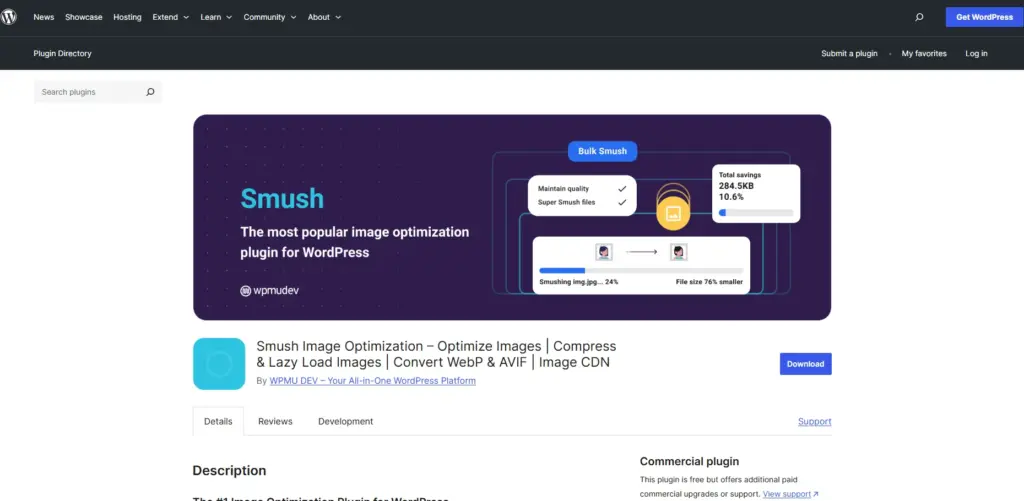
Smush is another plugin that supports SEO indirectly through performance. Images are one of the most common reasons WordPress pages become slow, especially on blogs, portfolios, and content-heavy sites.
Smush helps optimize images by compressing them, applying lazy loading, and improving delivery without sacrificing too much visual quality.
Because image-heavy pages often suffer from poor load times, a plugin like Smush can make a meaningful difference to speed-related SEO performance.
Key strengths of Smush
- Automatic image compression
- Lazy loading
- Bulk image optimization
- Incorrect size detection
- Better page speed through lighter media files
Best for
Smush is ideal for:
- blogs with many images
- recipe websites
- portfolios
- content sites relying heavily on visuals
Smush pricing
| Plan | Price |
|---|---|
| Basic | $3 per month billed yearly |
| Standard | $5 per month billed yearly |
| Freelancer | $10 per month billed yearly |
| Agency | $20 per month billed yearly |
If your site relies on images, image optimization is not optional. It is one of the most practical performance improvements you can make.
9. Redirection
Redirection focuses on one specific but very important SEO task: managing redirects and monitoring 404 errors.
When URLs change, pages are removed, or a site structure is updated, you need proper redirects to preserve traffic and prevent broken links. Without them, users land on error pages and search engines may lose trust in your site structure.
A redirect management plugin becomes especially useful during site redesigns, migrations, or major content cleanup.
Key strengths of Redirection
- Easy redirect management
- 404 error tracking
- Conditional redirect options
- Better control over changing URLs
Best for
Redirection works especially well for:
- sites being redesigned
- blogs cleaning up old content
- migrated websites
- SEO maintenance workflows
Pricing
The plugin itself is widely used as a free WordPress solution, while related service ecosystems may have broader pricing structures depending on needs.
Even if you use another main SEO plugin, Redirection can still be useful because redirect management is important enough to deserve its own dedicated tool.
10. Internal Link Juicer
Internal links are often overlooked, but they are extremely important for SEO. They help search engines understand your site structure, pass authority between pages, and keep users moving through your content.
Internal Link Juicer focuses specifically on automating and managing internal links based on keywords and rules you define.
For large websites with lots of content, this can save a lot of time.
Key strengths of Internal Link Juicer
- Automated internal linking
- Better content discovery for users
- More consistent link distribution
- Link strategy customization
Best for
This plugin is especially useful for:
- large blogs
- content hubs
- affiliate sites
- websites with many evergreen articles
Internal Link Juicer pricing
| Plan | Price |
|---|---|
| Free | Free |
| 1 Site | $69.99 per year |
| 5 Sites | $149.99 per year |
| 10 Sites | $189.99 per year |
| Unlimited | $1299 per year |
For content-heavy sites, internal linking can make a real difference in SEO structure and user navigation.
11. Schema Pro
Schema markup helps search engines understand your content better. It can support enhanced search results like star ratings, product information, FAQs, events, and more.
Schema Pro focuses specifically on structured data. It makes it easier to apply schema to different types of WordPress content without manually coding markup.
If rich snippets matter to your SEO strategy, this plugin can be very valuable.
Key strengths of Schema Pro
- Easier rich snippet implementation
- Supports multiple schema types
- Automatic schema application
- Works well with page builders
Best for
Schema Pro is ideal for:
- product pages
- review sites
- FAQ-rich content
- recipe websites
- local businesses
Schema Pro pricing
| Plan | Price |
|---|---|
| Annual | $69 first year, then $79 renewal |
| Lifetime | $229 one-time |
Schema tools are especially useful for users who want more control over how content appears in search results.
12. Header Footer Code Manager
This plugin is not a direct SEO optimizer in the same way as Yoast or Rank Math, but it is useful because many website owners need a safe way to add scripts for analytics, tracking, search tools, or structured data without editing theme files manually.
That makes it helpful for implementing SEO-supporting code cleanly.
Key strengths of Header Footer Code Manager
- Easy script insertion
- Manage tracking codes from dashboard
- Avoid editing theme files
- Conditional loading options
Best for
It’s useful for:
- adding Google Analytics
- installing Google Search Console verification
- adding Facebook Pixel
- placing schema or tracking scripts safely
Header Footer Code Manager pricing
| Plan | Price |
|---|---|
| 1 Site | $35 per year |
| 5 Sites | $69 per year |
| Unlimited Sites | $139 per year |
It is a practical utility plugin that supports broader SEO and tracking workflows.
13. MonsterInsights
MonsterInsights is not a traditional SEO plugin either, but it gives you access to valuable analytics data directly in WordPress. And if you can’t measure performance, it’s hard to improve SEO effectively.
Understanding which pages bring traffic, where users come from, and how they behave on your site can influence content strategy, internal linking, and optimization priorities.
Key strengths of MonsterInsights
- Easy Google Analytics integration
- Dashboard reporting inside WordPress
- Event and eCommerce tracking
- Better visibility into content performance
Best for
MonsterInsights is useful for:
- publishers
- WooCommerce stores
- business websites
- marketers who want easier analytics access
MonsterInsights pricing
| Plan | Price |
|---|---|
| Plus | $99.60 per year |
| Pro | $199.60 per year |
| Agency | $399.60 per year |
Analytics won’t optimize your site directly, but it helps you make better SEO decisions based on real data.
What to Look for in a WordPress SEO Plugin
Not every website needs the same kind of SEO tool. A simple blog may need a user-friendly plugin with content analysis, while an eCommerce site may need schema, redirects, and WooCommerce-specific settings.
Important factors to compare
| Feature | Why It Matters |
|---|---|
| Ease of use | Important for beginners |
| Content analysis | Helps optimize posts and pages |
| Technical SEO tools | Useful for sitemaps, indexing, redirects |
| Schema support | Helps with rich results |
| WooCommerce support | Important for online stores |
| Performance impact | Heavy plugins can affect speed |
| Pricing | Must match your budget and goals |
When comparing plugins, think about what your website actually needs now, and what it may need later as it grows.
Don’t Expect an SEO Plugin to Do Everything
SEO plugins are useful, but they are only one part of a larger SEO strategy.
They can help with technical structure, metadata, indexing controls, and optimization reminders. But they cannot replace:
- high-quality content
- good user experience
- strong site speed
- useful internal linking
- trusted backlinks
- search intent alignment
A plugin can support SEO, but it cannot create authority on its own.
That’s why it’s usually better to choose one strong main SEO plugin and combine it with other tools for performance, images, analytics, redirects, or schema rather than trying to force one plugin to do absolutely everything.
Final Thoughts
There is no single perfect SEO plugin for every WordPress website. The best choice depends on your content style, technical comfort level, budget, and long-term goals.
If you want a familiar and beginner-friendly option, Yoast SEO remains a strong choice. If you want more advanced features in one package, Rank Math is a powerful alternative. If you prefer a cleaner interface with strong flexibility, SEOPress deserves attention. And if you want broader site performance or technical support tools, plugins like WP Rocket, Smush, Redirection, and Schema Pro can play important supporting roles.
The main thing is to choose tools that match your site’s needs without overcomplicating your setup.
A good SEO plugin won’t do all the work for you, but it can make the work much easier, cleaner, and more consistent.